Website Background Guides · 2026-10-07 · 5 min read
3D Animated Backgrounds for Websites: Examples and the Right Technique
Choose a 3D background by the interaction you need: atmosphere, pointer response or a scene that moves with scrolling.
Written by AmJ, founder of Scrollhaus, and edited by the Scrollhaus editorial team. Sources and methodology are documented in the article.
Key takeaways
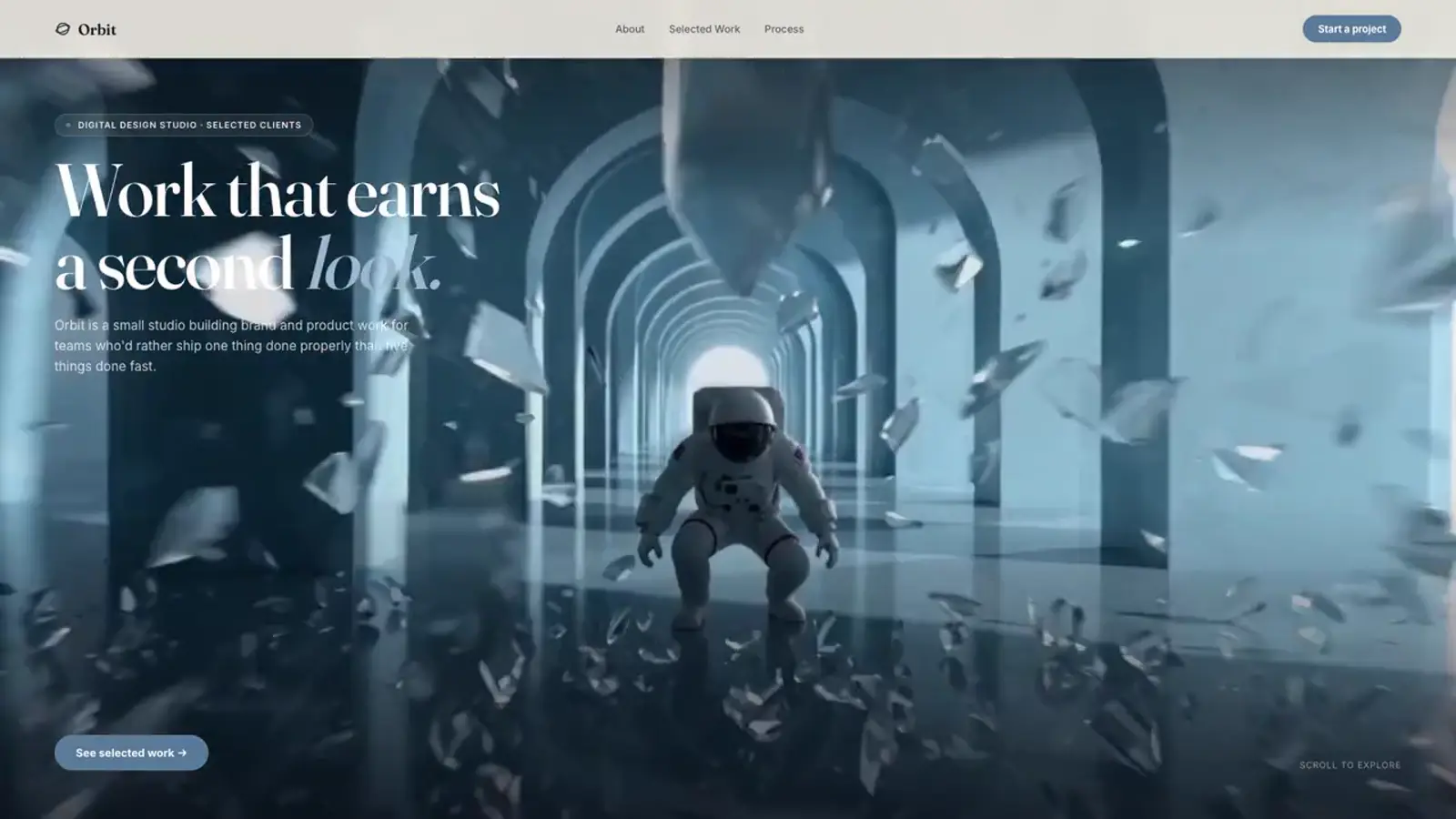
3D animated backgrounds for websites can mean three different things: a real WebGL scene you can orbit, a rendered film that looks dimensional, or flat CSS layers with perspective. They have different costs and controls. Before downloading a background, decide whether visitors need true interaction or simply a sense of depth behind the page.
Pick the right moving-background technique
| Technique | Best for | What to verify |
|---|---|---|
| CSS perspective | Soft gradients and a few floating layers | Contrast and reduced-motion state |
| Looping video | Detailed lighting, liquid or product imagery | Poster frame, file weight and rights |
| WebGL or Three.js | Pointer response, orbiting or procedural geometry | GPU load, fallback and mobile controls |
| Scroll image sequence | Filmed transformation tied to page position | Frame quality, loading order and reverse scroll |
A video or image sequence is not a freely rotatable 3D model. That distinction matters when specifying an AI-builder project or promising a customer an interactive product view.
Free examples you can inspect
The Scrollhaus background collection lets you preview animated video scenes, stills and interactive code backgrounds. Check the individual asset and its licence before commercial use. For a full-page scene, compare the Orbitline helix and the Ice Cave scroll film. Both create depth, but they do not give the visitor the same kind of control.
A background that moves should support the subject in front of it. Keep main copy in normal HTML, preserve a quiet region behind the headline and inspect the brightest or busiest frame on a phone. If detail behind the text changes colour, add a stable overlay rather than trusting one screenshot.
A lightweight CSS depth effect
This starter uses perspective and a moving gradient. It is deliberately 2.5D, not a real model. Place it inside a positioned section and layer normal content above it.
<div class="depth-scene" aria-hidden="true">
  <div class="depth-scene__plane"></div>
</div>
<style>
.depth-scene { position: absolute; inset: 0; overflow: hidden;
  perspective: 700px; pointer-events: none; background: #0b1118; }
.depth-scene__plane { position: absolute; inset: 10%;
  background: radial-gradient(circle at 35% 40%, #7a8ded, transparent 45%),
    radial-gradient(circle at 70% 65%, #254d6b, transparent 55%);
  animation: drift 14s ease-in-out infinite alternate; }
@keyframes drift {
  from { transform: rotateY(-8deg) translate3d(-2%, 0, 0) scale(1.08); }
  to { transform: rotateY(8deg) translate3d(2%, -3%, 0) scale(1.08); }
}
@media (prefers-reduced-motion: reduce) {
  .depth-scene__plane { animation: none; transform: scale(1.08); }
}
</style>
For true WebGL interaction, use a separate canvas layer and test it on real mobile devices. Keep it pointer-events none if the scene should not capture scrolling or clicks. Show a still poster before rendering is ready, and provide a static option for reduced motion or weak devices.
Keep a 3D background fast and readable
- Prioritize visible media; do not start every loop and frame sequence at page load.
- Reserve hero dimensions before media loads so the layout does not jump.
- Test phone and desktop widths, keyboard focus and reduced motion.
- Make decorative media silent and give moving content a pause control where required.
For broader choices, read the animated backgrounds guide. The canvas sequence guide explains the scroll-driven alternative. References: MDN CSS perspective, Three.js WebGLRenderer and W3C Pause, Stop, Hide.
Frequently asked questions
Are 3D animated backgrounds free to use?
Some are. Check the individual asset licence and media rights; a free preview does not automatically grant commercial use.
Is video the same as an interactive 3D background?
No. Video shows a rendered view. A WebGL model can respond to a pointer or rotate freely, but needs more device and fallback testing.
How do I stop a 3D canvas from blocking page scroll?
Use pointer-events: none on a decorative canvas and keep ordinary document scrolling. Add controls only if interaction is essential.
Explore animated website templates at Scrollhaus →
Need help with a template, account, or project? Email admin@scrollhaus.ai.