Website Design Guides · 2026-10-11 · 7 min read
Hair Salon Website Design: From First Impression to Booking
A distinctive salon website should help a new client choose a service and understand the next step. Here is how to combine editorial art direction with a clear appointment journey.
Written by AmJ, founder of Scrollhaus, and edited by the Scrollhaus editorial team. Sources and methodology are documented in the article.
Key takeaways
Quick answer: a strong hair salon website makes four things easy to find: the services you offer, who will deliver them, what they cost and how to book. Photography and animation establish the salon’s personality, but visitors should not need to finish a visual sequence to find practical information.
This guide combines an original Scrollhaus salon concept with a production checklist for a real business. IRIS RIOT is an imagined editorial salon, not an operating business or a conversion case study. We use it to explain design decisions you can adapt, then show what needs to change before a real salon launches.
What should a hair salon website include?
| Section | Client question | Content to include |
|---|---|---|
| Hero | Is this salon right for me? | Speciality, real location, clear appointment action |
| Services | Which appointment should I choose? | Names, inclusions, duration and price guidance |
| Work and stylists | Can I trust the result? | Original photographs, specialities and honest biographies |
| Booking | What happens next? | Working calendar or clearly labelled enquiry form |
| Visit information | How do I get there? | Address, hours, contact details and accessibility information |
| Policies | What if my plans change? | Deposit, cancellation and consultation requirements |
Keep the most important sections in the main navigation. An artistic label can be memorable, but “Services” and “Book” are easier to recognise than an abstract name when someone needs an appointment quickly.
Design a hero that communicates before it animates
Choose a specific promise grounded in the salon’s actual work: curly cuts, lived-in colour, occasion styling or another real specialism. Pair it with a photograph that shows that work. Include the city or neighbourhood if it helps clients understand whether a visit is practical. Put a visible booking action beside the message.
For example, “Thoughtful colour and precision cuts in [your neighbourhood]” explains more than “Where beauty begins.” Replace the placeholder with the actual location; do not publish generic location pages for places the salon does not serve.
A short film can provide atmosphere if the text stays readable and the page loads useful information first. Provide a poster image and a reduced-motion version. On mobile, crop carefully to preserve the face and hairstyle, or use a separate portrait composition. Stretching a portrait film into a wide hero distorts the work you are trying to show.
Example: IRIS RIOT’s editorial salon direction
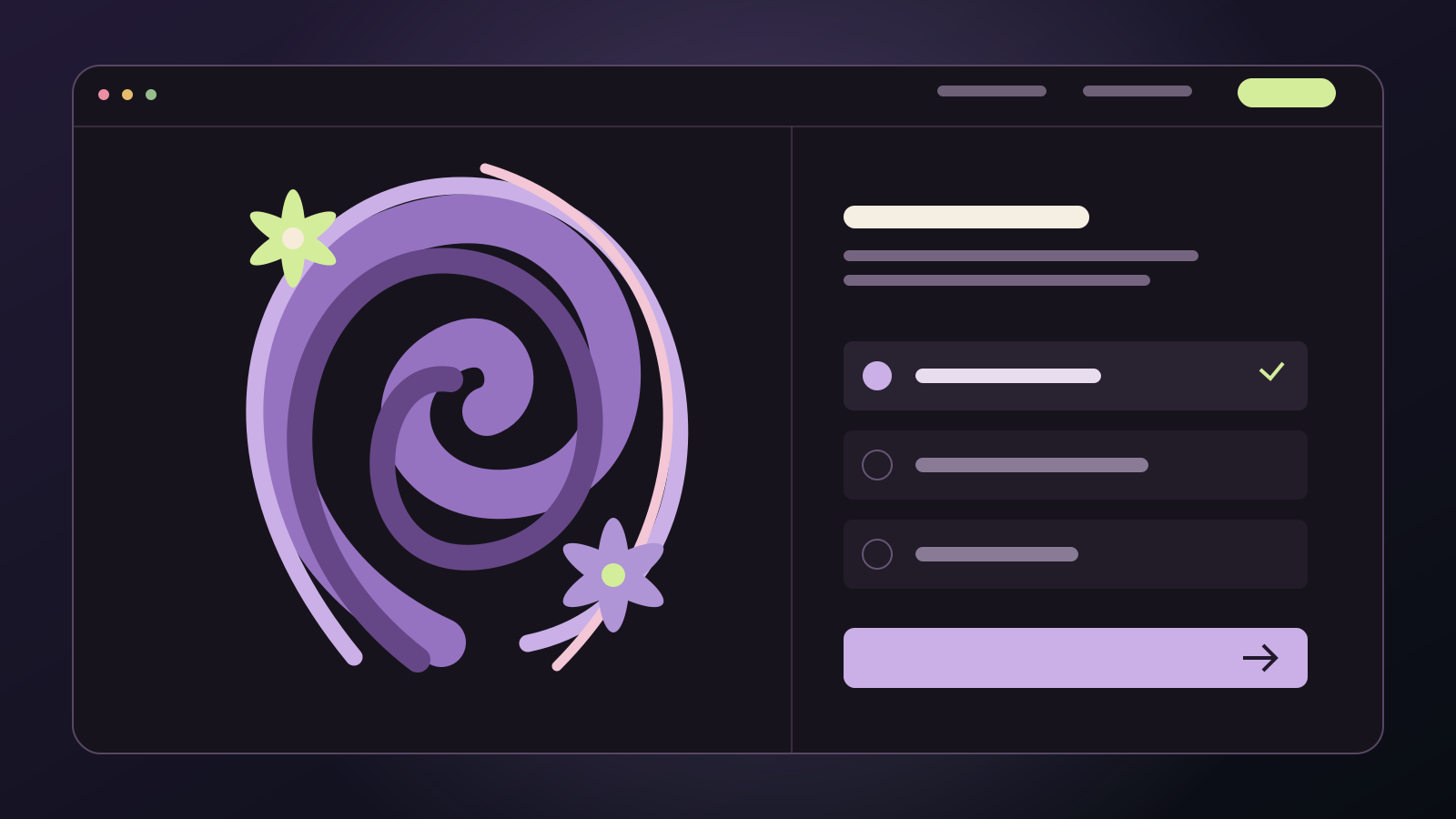
The IRIS RIOT showcase uses sculptural hair and iris flowers as its visual story. Its page moves from the transformation to service choices, then a consultation section. Visitors can choose The Shape, The Colour or The Occasion and combine the service with a mood. The selection summary updates before the consultation action.
The useful idea is continuity: the work you show should lead into the service someone can request. A dramatic hero alone does not explain what to book. Place a caption or short service description beside the portfolio so a new client can connect an image with the right appointment.
For a real salon, rename these editorial choices with practical service names and attach accurate durations and price guidance. Replace the demonstration email link with the actual booking or enquiry system. The concept’s motion is a reference; the salon’s own photographs, staff and policies must supply the trust.
Make the service menu understandable to a first-time client
Organise services by the way clients choose: cuts, colour, treatments and styling. Explain unfamiliar terms in one sentence. State what is included, whether a consultation is needed and what might change the final price. If a price is a starting price, make that explicit instead of implying every client will pay the same amount.
For a colour service, the description could explain whether a finish is included and when a client needs a consultation. Use your real operating rules. Do not invent a universal duration for a treatment: hair length, condition and service complexity can make a difference.
A first-time visitor may not know which service matches a reference photograph. Offer a clearly labelled consultation route rather than forcing an uncertain appointment choice. Existing clients should still have a fast route to rebook without answering the same introductory questions.
Give every booking action a clear outcome
A button labelled “Book appointment” should lead to a working appointment flow. If a form only sends an enquiry, call it “Request a consultation” and explain that the salon will confirm availability. Avoid a form that appears successful but silently fails to deliver the request.
- Carry the chosen service into the booking destination where the booking provider supports it.
- Let clients select a stylist or a suitable available team member.
- Show the real date, time and location before confirmation.
- Explain any deposit and cancellation terms before payment.
- Provide confirmation and a way to manage the booking.
Test the complete journey on a phone, including an unavailable slot, an invalid field and a failed connection. If booking opens on another domain, explain the transition and keep the salon identity clear. Square’s salon website guide also treats practical business information and booking as central parts of a salon site.
Build trust with original work and useful stylist profiles
Show a manageable selection of your own work with permission to publish it. Explain the service or technique in a caption rather than relying on a decorative gallery. If you show a before-and-after pair, keep lighting and framing comparable and describe the actual work honestly.
Each stylist profile should include a name, photograph, relevant specialities and a booking route. Do not fill the page with invented awards or testimonials. Real reviews can help answer concerns, but keep their wording accurate and avoid presenting an illustrative quote as a client review.
Give every article and service image a distinct purpose. A colour-care article, an occasion-styling guide and a curly-cut service page should not reuse the same hero as their thumbnail. Describe meaningful images with useful alt text; purely decorative images do not need a keyword list.
Local SEO: connect the website to the real salon
Publish consistent business details on the website and your verified Google Business Profile. Use a dedicated contact or visit section with your real address, opening hours and contact methods. Link service pages from the main site so Google and visitors can discover them.
Write useful service content around actual client questions: what the appointment includes, who it suits and when a consultation is needed. A separate page is justified when it answers a different question in enough detail; a batch of almost identical city pages creates little value.
If you add LocalBusiness structured data, make it describe the operating salon and match visible information. Do not apply a salon address or business schema to an imagined design demo. Follow Google’s LocalBusiness documentation and local ranking guidance. Structured data does not guarantee a special result or a particular position.
An AI brief for a salon website
Design a responsive website for [real salon name] in [actual location]. The primary goal is [confirmed booking or consultation request]. Lead with our speciality, original work and a visible appointment action. Include service names, accurate price guidance, stylist profiles, visit information and policies. Use an editorial layout with [brand colours] and readable typography. Add restrained image and text reveals; keep services and booking usable with motion disabled. Connect every appointment action to [real booking destination]. Explain error and confirmation states. Do not invent testimonials, staff, prices or business details.
Complete every bracket before using the brief. For more examples, read our AI website design prompts. If you begin with a template, review its commercial and asset licence terms and replace demonstration copy before publishing.
Launch checklist for a salon website
- Check the headline and booking action at narrow mobile widths.
- Confirm that every service has a clear explanation and accurate price guidance.
- Complete the booking flow and verify the confirmation.
- Check keyboard focus, readable contrast and reduced-motion behaviour.
- Review page titles, descriptions, one clear main heading and self-referencing canonical URLs.
- Verify that the sitemap includes each useful service page and that no launch page blocks indexing.
- Measure real page performance with Core Web Vitals rather than assuming the desktop preview represents every client’s device.
Explore Scrollhaus’s visual prompt library and the IRIS RIOT preview for a starting direction. Choose a style that reflects the salon, then make the service and appointment information precise enough to earn a new client’s confidence.
Frequently asked questions
What should a hair salon website include?
Include clear services, accurate price guidance, original work, stylist profiles, a working booking or enquiry route, location, hours and policies.
Can I use a cinematic video on a salon homepage?
Yes, if the message and booking action remain readable, mobile framing is appropriate and a static or reduced-motion alternative preserves the information.
Does a salon website template include a working booking system?
Not necessarily. Check the actual deliverable. The IRIS RIOT showcase is a design concept with a consultation email link, not a live appointment calendar.
Explore animated website templates at Scrollhaus →
Need help with a template, account, or project? Email admin@scrollhaus.ai.