Website Animation Guides · Published · Updated · 5 min read
Rotating Text Animation for Websites: A Stable, Accessible Headline
Swap a few words in a headline without shifting the page or repeatedly announcing changes to assistive technology.
Published by Amanjot Singh, founder of Scrollhaus. AI-assisted editorial work; product context, sources and corrections are documented in our editorial methodology.
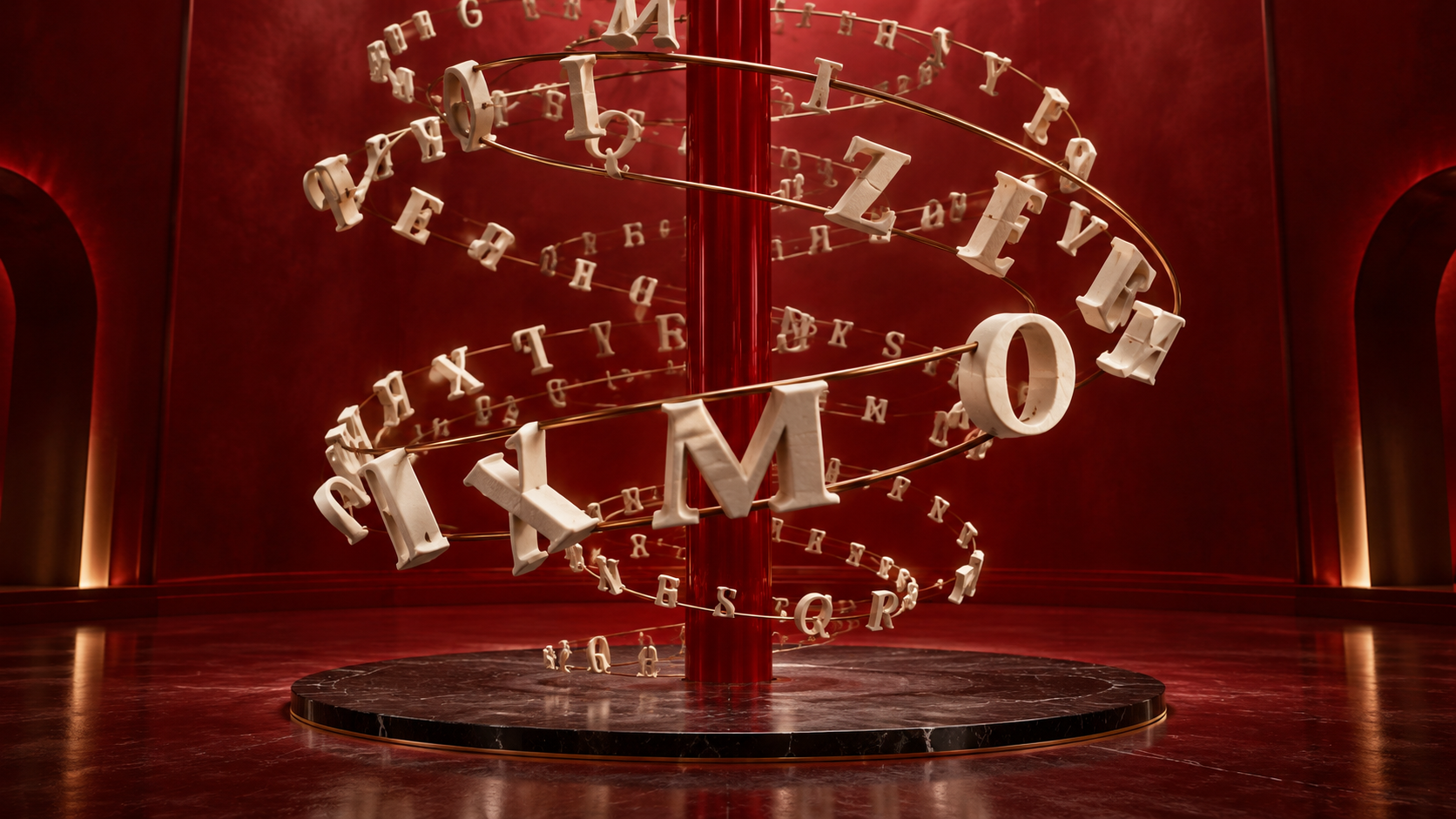
A rotating text animation swaps a word or short phrase inside a headline. On a landing page, the useful version explains several applications of the same offer without moving the rest of the layout. The term can also mean spinning letters or text on a circular path; this guide covers the changing-word hero pattern.
Copy a stable rotating headline
The first word is in the HTML, so the heading is visible before JavaScript runs. A fixed-height window reserves space for the longest word. The controller changes the word every three seconds and stays still for reduced-motion visitors.
<h1>Make your next <span class="word-window" aria-hidden="true">
  <span id="rotating-word">launch</span></span>
  <span class="sr-only">launch, campaign, or story</span></h1>
<style>
.word-window { display: inline-grid; min-width: 9ch; height: 1.2em;
  overflow: hidden; vertical-align: bottom; }
.word-window span { display: block; transition: opacity .22s, transform .22s; }
.word-window span.out { opacity: 0; transform: translateY(-.6em); }
.sr-only { position: absolute; width: 1px; height: 1px; padding: 0;
  margin: -1px; overflow: hidden; clip: rect(0,0,0,0);
  white-space: nowrap; border: 0; }
@media (prefers-reduced-motion: reduce) {
  .word-window span { transition: none; }
}
</style>
<script>
const words = ['launch', 'campaign', 'story'];
const word = document.querySelector('#rotating-word');
const reduced = matchMedia('(prefers-reduced-motion: reduce)').matches;
let index = 0;
if (word && !reduced) {
  setInterval(() => {
    if (document.hidden) return;
    word.classList.add('out');
    setTimeout(() => {
      index = (index + 1) % words.length;
      word.textContent = words[index];
      word.classList.remove('out');
    }, 220);
  }, 3000);
}
</script>
Use words that complete the same sentence grammatically. If the replacements need different articles, tenses or line breaks, rotate a complete phrase instead. Adjust the reserved width to the longest phrase. At phone width, verify that no replacement wraps into a second line and shifts the entire hero.
Keep meaning available without the animation
The moving text is hidden from assistive technology; the visually hidden span supplies the complete idea once. Do not add aria-live to a headline that changes every few seconds, because repeated announcements can interrupt reading. Put the primary offer and call to action in ordinary HTML that never disappears. A search crawler should not have to wait for a timer to understand the page.
Two or three choices are usually enough. Ten rotating words can make a headline feel like a component demo rather than a deliberate message. Compare the animated hero patterns before layering another entrance animation on top.
Other ways to create a rotating text animation
The code above swaps one word in a headline. People also use the phrase for other effects, and the right tool depends on where the text will appear.
- 3D rotating text on a website. CSS transforms can flip a word on its axis or wrap text around a cylinder. A small JS component, or a customizable one from a React library, handles timing and gives a more dynamic result.
- Text along a curve. SVG text on a circular path can rotate slowly as a badge. It is a creative accent, not a headline.
- Video. For a cinematic title, motion design software such as After Effects or Premiere Pro is the usual route. Free templates and plugins exist, and you export a video or download a GIF.
- AI tools. An AI builder can create the effect from a short description. Ask for the reduced-motion fallback explicitly.
Use cases differ. In web development, the text must stay readable and selectable, so prefer code over video. Use this guide to create eye-catching motion that still supports the design: one rotating phrase per screen is usually enough.
When CSS alone is enough
For permanently fixed words and timing, staggered CSS keyframes on separate spans are possible. A tiny JavaScript controller is easier when a CMS changes the word list or the sequence should pause while the tab is hidden. This one effect does not require a large animation package.
Related guidance: website animations, MDN reduced motion and MDN document visibility.
Choose rotating words only when the message needs them
If the goal is simply to introduce a heading, use a one-time CSS text reveal and leave the words stable. For destination feedback, the navbar underline pattern is enough. Rotation is appropriate only when the alternatives help explain your offer and the complete meaning remains available to someone who misses a cycle.
Frequently asked questions
How do I make rotating text without layout shift?
Reserve space for the longest word or phrase and keep a fixed line height for the animated window. Test mobile wrapping separately.
Can rotating text be made with CSS only?
Yes, when words and timing are fixed. A small JavaScript controller is easier for CMS content or when the animation should pause in a hidden tab.
Will rotating words hurt SEO?
They need not. Keep the main message in visible, static HTML and treat changing words as supporting copy.
Browse Scrollhaus website designs and build resources →
Need help with a template, account, or project? Email admin@scrollhaus.ai.