Website Design Guides · Published · 5 min read
Add an Animated Hero Section to WordPress Without Rebuilding Your Site
Keep your WordPress site. Replace one section thoughtfully—with the right format, scoped styles and a tested fallback.
Published by Amanjot Singh, founder of Scrollhaus. AI-assisted editorial work; product context, sources and corrections are documented in our editorial methodology.
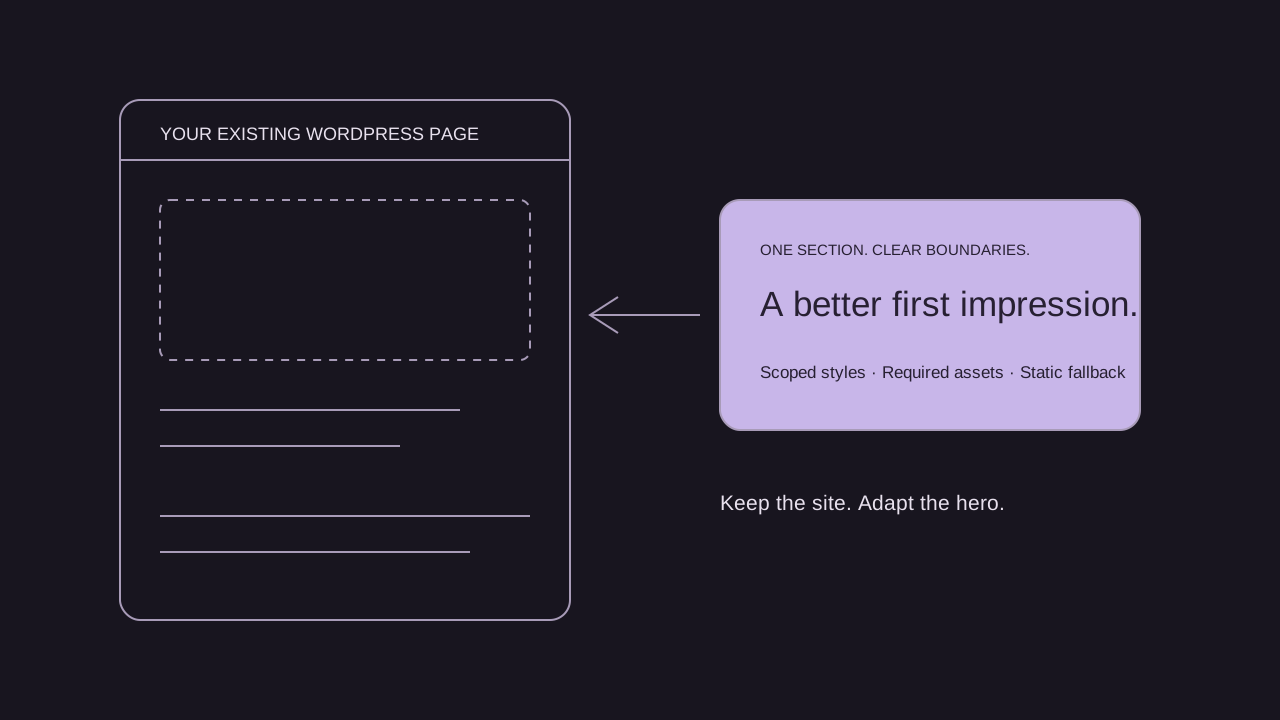
You can add a single animated hero section to an existing WordPress website. You do not need to replace the entire site, but you must bring the section’s styles, scripts and assets with it. A Scrollhaus website preview is a design and build reference, not an installable WordPress theme or Elementor template kit.
This guide is for a site owner who wants a more distinctive first screen while keeping their pages, blog and existing CMS. Start with a staging copy and choose the smallest implementation that achieves your intended result.
Choose the right way to add your animated hero
| Starting point | Practical route | Help needed |
|---|---|---|
| Headline, image and a simple entrance effect | Rebuild with your existing WordPress blocks or page builder | Often manageable without coding |
| Standalone HTML and CSS section | Isolate the section, scope styles and add it using an approved custom HTML workflow | Basic HTML/CSS familiarity |
| React, Three.js, canvas or a scroll-pinned scene | Adapt the implementation into a WordPress block or purpose-built integration | A developer is usually appropriate |
| Complete website export | Extract the hero and its dependencies before integrating it | Depends on the source format and shared code |
Try a small hero before importing a complete design
Our free animated hero demonstration uses a namespaced section, local CSS, a readable headline and one link. It requires no JavaScript, account or animation library. Open it on a phone and with reduced motion enabled. The example demonstrates a portable section pattern; it has not been tested against every WordPress theme or hosting configuration.
The full source is readable in the example page. If you use it in WordPress, transfer only the section and its scoped styles. Do not paste the surrounding html, head or body document into your page content. Put styles in the appropriate CSS area for your setup, then review the published page outside the editor.
WordPress blocks and Elementor: what is actually supported?
The WordPress Custom HTML documentation describes how code can be inserted and how permissions affect CSS, JavaScript and allowed tags. What survives saving depends on your version, role and hosting restrictions. Do not change security permissions just to force an unfamiliar snippet to run.
Elementor’s HTML widget supports custom markup and code. That does not convert an entire React project into a working Elementor section. For a simple reference, rebuilding with native widgets can be easier to maintain than embedding a full application.
Extract a hero without breaking the rest of your site
- Identify the boundary. Find the section that contains the headline, illustration and primary action. Check whether the navigation is part of it or belongs to the overall page.
- List every dependency. Record CSS, fonts, images, video, model files and JavaScript libraries. Look for animation initialization outside the section. A canvas without its renderer is not a working hero.
- Scope the styles. Prefix selectors with a unique root such as
.sh-wp-hero. Replace rules targetingbody, all headings, all buttons or every canvas so they do not restyle your theme. - Keep page structure consistent. Choose the right heading level for your page. Avoid duplicate IDs, nested navigation landmarks and two competing page titles.
- Integrate on staging. Load required assets through your normal theme or plugin workflow, once per page. A developer should handle bundling and lifecycle cleanup for complex scenes.
- Replace the content. Use your own brand, images, offer and destination URL. A demonstration button is not a configured booking or purchase system.
For a full design, inspect the entry’s build resources before choosing it. Source format and dependency lists matter more than whether its thumbnail looks close to your current brand. See the website source handoff checklist.
A three-step prompt for adapting only one section
Build:
Adapt ONLY the hero from the supplied reference for my existing WordPress page.
First identify whether the source is HTML/CSS, React, canvas or WebGL.
List required assets and libraries. Keep my header, footer and other sections.
Use a unique root class and scope every CSS selector beneath it.
Do not invent a WordPress plugin or claim the source is an Elementor kit.
Refine:
Replace the sample content with my supplied copy and assets.
Keep the primary action as an ordinary link to my real destination.
Use a readable static state before animation loads.
Provide a touch-friendly layout and a reduced-motion version.
Explain where each file belongs in my actual WordPress setup.
Test:
Review the published staging page with my current theme and plugins.
Check narrow screens, keyboard focus, reduced motion, slow loading and script failure.
Confirm there are no global CSS collisions, duplicated libraries or broken asset paths.
List any remaining integration work. Do not call it production-ready until verified.
An AI tool can help translate source, but a generated answer is not proof that it works inside your theme. If you cannot verify the dependency or deployment steps, ask a developer to integrate the section rather than granting broader permissions to run it.
What to check before replacing your current hero
- First load: the headline and main action remain visible before images, fonts or a 3D renderer finish loading.
- Mobile: text wraps naturally, the action remains reachable, and touch scrolling is not trapped.
- Accessibility: keyboard focus is visible, decorative visuals do not intercept clicks and reduced motion removes unnecessary movement.
- Performance: compare the published page before and after the change on the same device and connection. A desktop preview cannot establish mobile performance.
- Business action: test the real booking, contact or checkout destination independently of the animation.
- Recovery: keep a backup and a quick way to restore your previous section.
Where Scrollhaus fits
Use our animated hero selection guide to choose a direction, then inspect a free website example and its build instructions before buying. Scrollhaus supplies website references, structured build prompts and available implementation resources. Your AI coding tool, hosting and any WordPress integration work are separate.
The Free Lovable community templates directory is a separate collection of third-party references. Those entries are not paid Scrollhaus originals or WordPress themes. Check each provider’s licence and output format. For the paid website collection, browse Scrollhaus Websites and compare the current access plans.
Frequently asked questions
Can I use just one animated section from a complete website?
Yes, if you isolate the section and include its required styles, assets and scripts. Components that share page-level state or animation setup may need developer adaptation.
Are Scrollhaus websites ready-made WordPress themes?
No. They are website examples and build resources. Adapting their source to WordPress or Elementor is a separate integration task.
Can I add an animated hero without coding?
A simple hero can often be recreated with native blocks or a page builder. Custom React, canvas and 3D scenes usually need development help.
Do I need the entire project for one hero?
You need the section and its actual dependencies, not necessarily every page. Inspect the implementation before deciding what can be removed.
Browse Scrollhaus website designs and build resources →
Need help with a template, account, or project? Email admin@scrollhaus.ai.