AI Website Guides · 2026-10-25 · 6 min read
Animated SaaS Landing Page Templates: A Practical Buyer Guide
Choose a SaaS marketing structure that explains the product, preserves readable motion and leads to a working trial, waitlist or demo.
Published by Amanjot Singh, founder of Scrollhaus. AI-assisted editorial work; product context, sources and corrections are documented in our editorial methodology.
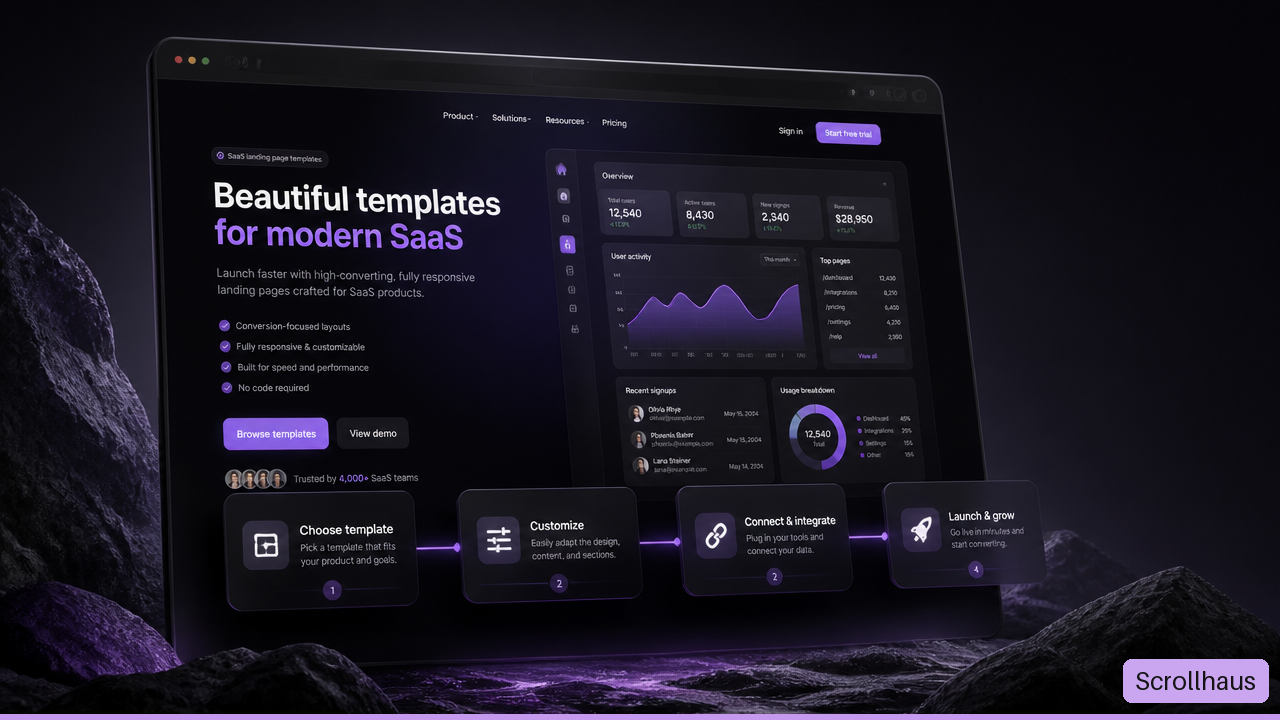
Quick answer: choose an animated SaaS landing page template around one customer task: join a waitlist, start a trial or book a demo. Use motion to show how the product works, then make the next action usable without waiting for the animation.
The cover is an AI-generated illustration with fictional interface text and figures; it is not a screenshot of customer results.
Scrollhaus publishes this guide and the fictional concepts linked below. Nuwtonic assisted the initial draft; we reviewed it against the catalogue and NeuronWriter's landing-page research on 25 October 2026. These are design starting points, not customer results or working SaaS applications.
Choose a template for your buying process
A landing page is the marketing interface of a software product. It does not automatically include the application, authentication, billing or customer data. Decide who owns each of those systems before choosing a visual direction.
| Visitor's next step | What the page should explain | Useful motion | Production requirement |
|---|---|---|---|
| Join a waitlist | The problem, intended audience and proposed benefit | A short concept demonstration, clearly labelled | A real submission destination, consent text and confirmation |
| Start a self-serve trial | What users can accomplish and what setup requires | A real input-to-output workflow | Working signup, plan limits and account recovery |
| Book a sales demo | Who the product fits, integrations and buying questions | A focused product walkthrough | A working booking route and responsible follow-up |
For example, a scheduling tool can demonstrate a visitor selecting an available slot and receiving a confirmation. A colourful chart that never changes in response to anything is weaker evidence of that workflow. Label simulated states and replace demonstration metrics with real product information before launch.
Three Scrollhaus directions to inspect
Open the full preview before copying a build prompt. The examples below illustrate different marketing structures; they are not endorsements, customer case studies or proof of conversion lift.
- KESTREL: inspect a technology-led landing page for its headline hierarchy and route to the main action.
- ContentFlow: evaluate a software-oriented concept for feature grouping and product explanation. Check the entry's current access requirements and source format.
- Zapline: inspect a fictional trading dashboard presentation as a visual reference. Replace all example statistics, wallet labels and financial claims before adapting it to a real product.
The template collection offers more starting points. If an existing page needs only a navigation control, card or form detail, use the UI component collection rather than rebuilding the whole marketing site.
A SaaS landing page structure you can adapt
- Hero: name the audience, job and next step. Explain the product in readable text even when the media does not play.
- Workflow demonstration: show one task from input to result. Use captions that explain each state without audio.
- Feature evidence: connect each capability to the problem it solves. State any limitations and prerequisites.
- Trust: use genuine customer quotes with permission, independently verifiable coverage or a documented product demonstration. Do not keep fictional testimonials from a template.
- Pricing or qualification: explain the plan boundary or who should book a call. Keep billing terms easy to find.
- FAQ and final action: answer setup, data handling, cancellation and integration questions using facts specific to the real product.
Keep visual priority consistent with this story. A bright background should not obscure the headline; an animated product preview should not push the signup form out of reach. Compare the structure at phone width as well as on a large monitor.
Match the source format to the team
A prompt, an HTML export and a framework project are different handoffs. A prompt asks an AI tool to reconstruct the design and can produce different results between runs. Source files provide a concrete implementation but may depend on fonts, hosted media, runtime scripts or a particular framework.
Before committing to a template, follow the source-code handoff checklist. Confirm the exact files, setup command, licence and dependencies. The cost of a design library is separate from hosting, domains, AI-builder credits, payment processing and your application's backend. Compare current Scrollhaus access with the entry you actually intend to use.
Use animation to explain, not delay
Prefer motion with a clear purpose: opening a control, revealing the outcome of an action or demonstrating a workflow. Important content should remain available if animation is disabled. Avoid making visitors scroll through a long visual sequence before they can understand the offer.
web.dev's animation guidance recommends starting with transform and opacity because other properties can trigger expensive layout or paint work. This is a starting point for profiling, not a guarantee that a page will be fast. Large media, heavy JavaScript and too many simultaneous effects still need testing.
Support reduced motion and visible keyboard focus. WCAG's animation-from-interactions criterion is Level AAA and describes disabling nonessential interaction-triggered motion. Autoplaying content has separate pause, stop and hide considerations. Keep the product explanation available in the reduced-motion version.
Test the actual signup and demo routes
A beautiful template can still lose an interested visitor at a broken action. Use a test account or sandbox to complete the path you advertise. Check validation, success and error states, notification delivery, booking timezone and mobile input behavior. A button that changes colour is not evidence that a lead reached your system.
Record the business action separately from decorative clicks. For a demo page, verify a confirmed booking event rather than counting every click on the booking button as a booked call. Keep test activity separate from customer reporting. Our scroll performance guide provides a complementary browser-check workflow.
A practical adaptation brief
Adapt this template for [product] and [specific audience].
Primary action: [trial / waitlist / demo].
Preserve the responsive structure and original media quality.
Replace fictional metrics, logos, testimonials and integration claims.
Show one real product task with a readable reduced-motion state.
List the actual signup, booking and analytics integrations required.
Test errors, confirmation delivery, keyboard use and phone layouts.
Report anything that remains a demonstration rather than a working feature.
Build one section at a time and compare it with the approved reference. For an existing site, use the AI website redesign workflow to preserve URLs, forms and tracking while changing the presentation.
Frequently asked questions
Does an animated SaaS template include the application backend?
Do not assume it does. Confirm whether the deliverable includes only a marketing page or also authentication, billing, databases and working integrations. Demo dashboards and forms often need separate implementation.
Can I use a free template for a commercial launch?
Check its licence, the rights to each media asset and the actual source format. Free access does not establish permission for every third-party asset or include your hosting and business services.
Will animation increase conversions?
It may help visitors understand the product, but a template does not guarantee more purchases or signups. Measure the relevant action and compare trustworthy results after launch.
Explore animated website templates at Scrollhaus →
Need help with a template, account, or project? Email admin@scrollhaus.ai.