AI Website Guides · 2026-10-25 · 8 min read
AI Website Redesign Workflow: Preserve URLs, Forms and Tracking
Upgrade an existing business website without losing track of its URLs, content, enquiry forms, analytics or deployment responsibilities.
Published by Amanjot Singh, founder of Scrollhaus. AI-assisted editorial work; product context, sources and corrections are documented in our editorial methodology.
Quick answer: redesign an existing website with AI as a controlled migration. Record the current URLs, important content, forms and analytics first; build on staging; test the complete customer journeys; then publish with a redirect map and a rollback copy.
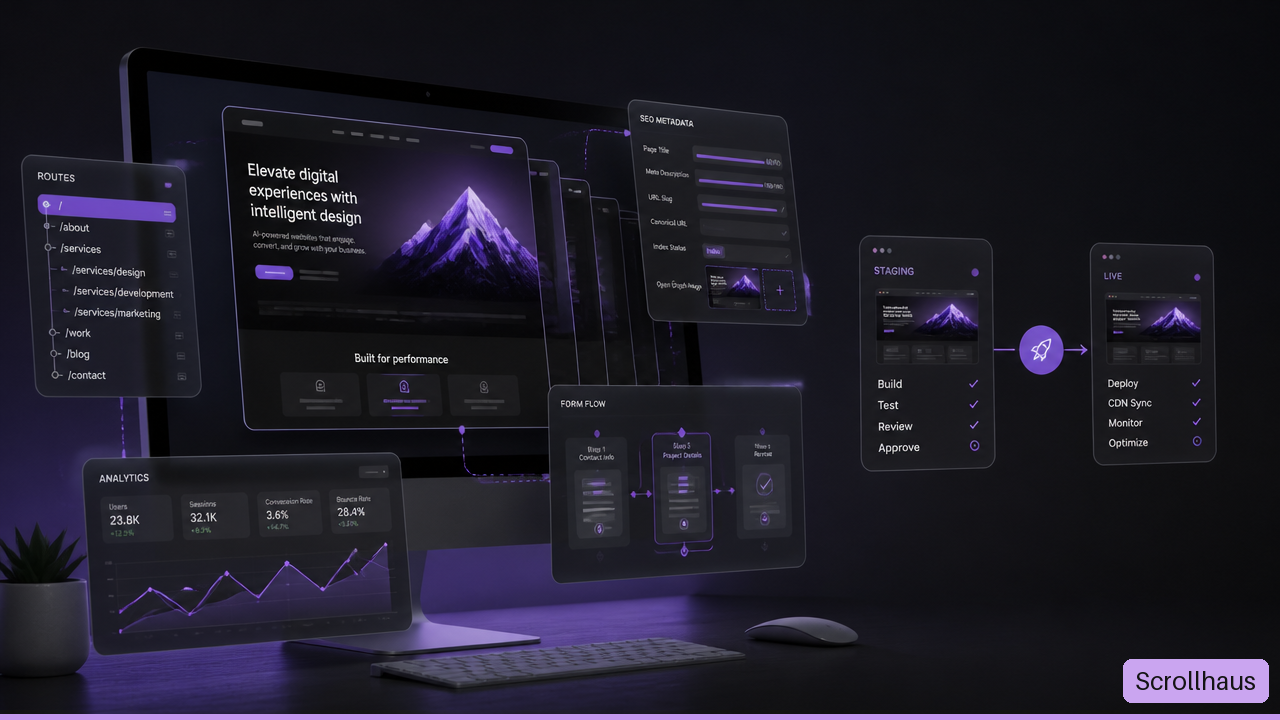
The cover is an AI-generated illustration with fictional interface text and figures; it is not a screenshot of customer results.
This guide focuses on a working business website, rather than starting a new site from a blank prompt. Scrollhaus supplies visual references, build prompts and available source. It does not automatically migrate your customer data or reproduce your business integrations. Nuwtonic assisted the initial draft, and we reviewed the workflow with NeuronWriter's AI website design research on 25 October 2026.
1. Record what already works
Before asking an AI builder for a new design, export a route inventory and identify the pages that bring qualified enquiries, sales or useful search traffic. Save the existing files and deployment configuration in a repository or backup you can restore. Screenshots alone cannot restore a working website.
| Record | Example | Decision before redesign |
|---|---|---|
| Public URL | /services/roof-repair/ | Keep it, improve it or map it to a relevant replacement |
| Search purpose | Local roof repair enquiries | Preserve the useful service and location information |
| Main action | Quote request | Retain the actual form destination and confirmation path |
| Business dependency | CRM routing and notification | Identify the responsible account and test recipient |
| Measurement | Confirmed enquiry event | Keep the definition consistent across the redesign |
The roofing example is illustrative. Replace it with your real routes and requirements. Include pages outside the main navigation: old campaigns, download pages, product details and URLs that still receive external links. Search Console is useful for identifying search entry pages, but it is not a complete inventory of every business dependency.
2. Separate visual changes from functional changes
Decide whether you are changing the presentation, the content system, the domain or all three. A new visual hierarchy does not require a new URL for every page. Keeping useful URLs where practical reduces avoidable migration work.
Choose a reference from the Scrollhaus template collection, then write down which parts you are adapting: typography, section order, media treatment, navigation or motion. The source-code checklist helps distinguish an editable project from a prompt or preview.
Give the AI explicit constraints: preserve existing routes and meaningful content, keep form integrations intact, do not invent testimonials, and list missing dependencies. Ask it to implement a small section first. Review the result before allowing the same assumptions to spread through the whole website.
3. Make a URL and content migration map
For each existing page, choose one outcome: retain it at the same URL, replace it with an equivalent page at another URL, or remove it because it no longer serves a useful purpose. Avoid redirecting every removed page to the homepage; visitors and crawlers need a relevant destination.
When URLs must change, use permanent server-side redirects to the appropriate replacements and update internal links, canonical tags and the sitemap. Avoid redirect chains where you can point directly to the final destination. Follow Google's site-move documentation for the migration you are actually performing.
Old URL                    Intended result
/services/roof-repair/       Keep URL, revise design and content
/old-quote/                 Permanent redirect to /request-a-quote/
/expired-one-off-offer/      Review whether a relevant replacement exists
Do not let a missing page silently return the site's generic shell with a successful status. Check the response content as well as the HTTP status. The right behavior for a genuinely removed page depends on whether there is a suitable replacement; document that decision instead of hiding the failure.
4. Build on staging without publishing it to search
Use a separate staging environment with appropriate access controls. If the staging content is publicly accessible, add an appropriate noindex directive and verify it. A robots.txt block alone is not a reliable substitute for keeping a public URL out of search, because a blocked crawler cannot read its noindex directive.
Keep production credentials out of client-side source and AI prompts. Use environment variables or the platform's secret store for private credentials, and use test services where available. A screenshot of the existing form does not tell an AI tool where submissions should go.
Review the proposed information hierarchy against real customer questions. Keep contact details, pricing qualifications and service boundaries easy to find. Read the AI website design prompt guide for writing constraints that describe the page rather than merely asking for a polished look.
5. Test the business journeys from start to finish
- Enquiry: submit a test, verify validation, confirm receipt in the destination system and check the visitor's confirmation.
- Booking: check the calendar timezone, availability and confirmation route without creating unwanted real appointments.
- Checkout: use the supported test mode to inspect plan selection, payment confirmation and access provisioning.
- Account access: verify login, recovery, entitlement boundaries and the experience after a subscription expires.
- Navigation: follow the main paths with a keyboard and on a phone, including error and empty states.
A successful build only proves that the build process completed. It does not prove that email delivery, bookings, payments or account gates work. Record each test result and the environment used. Use test records that can be identified and cleaned up safely.
6. Check content, accessibility and performance
Compare the redesigned pages against the inventory. Verify headings, page titles, descriptions, canonical URLs, image descriptions and structured data that accurately represents visible content. Remove fictional claims carried over from the design reference.
Keep meaningful text and actions available without waiting for animation. Test reduced motion, visible focus, readable contrast and responsive navigation. Review actual loading and interaction behavior on a phone; a fast desktop preview does not establish that the production site is fast for customers.
If you add a product demonstration, the animated SaaS landing page guide explains how to separate useful motion from decorative dashboard activity. For broader discovery checks, use the SEO foundations checklist.
7. Launch with an explicit release checklist
- Save the last working production release and its configuration.
- Publish the reviewed content and tested integrations.
- Remove staging-only noindex directives from pages intended for search.
- Verify HTTPS, public access, response status and canonical URLs on production.
- Test redirects and update internal links to the final destinations.
- Complete the enquiry, booking or supported checkout test on the deployed site.
- Submit an accurate sitemap and inspect the most important changed URLs.
- Record the release time and keep a clear rollback decision.
Google's sitemap guidance describes how to help crawlers discover canonical pages. Submission and a successful live test do not guarantee indexing. Request indexing selectively for important changed pages, respect quotas, and monitor the actual inspection result.
8. Measure the redesign against the same definitions
Compare complete periods of equal length and separate search, social, referral and direct traffic. Check both the homepage and the pages that attract people unfamiliar with your brand. Total traffic can increase while a useful search entry page loses visibility.
Measure successful business actions rather than only clicks on buttons. If you change event names during the redesign, document the mapping so an apparent drop is not merely a measurement change. Allow for reporting lag, small samples and the time crawlers need to revisit changed pages.
Keep a short issue log: affected URL, observed problem, evidence, fix, deployment and verification. This makes it easier to distinguish a technical regression from changes in acquisition or search demand.
A prompt for a safer AI redesign
Redesign the presentation of this existing business website.
Use the route and content inventory as the source of truth.
Preserve working URLs unless a reviewed redirect map changes them.
Keep forms, tracking and account logic connected to their real services.
List missing dependencies; do not invent integrations or proof.
Build one section at a time and preserve mobile and reduced-motion access.
Deliver staging checks, a deployment plan and a rollback checklist.
Report exactly which production journeys were tested.
Frequently asked questions
Will an AI redesign preserve my Google rankings?
No tool can guarantee that. Preserving useful content and URLs, implementing correct redirects and checking crawl access reduces avoidable migration problems. Search performance still depends on many factors.
Should I change all my URLs for a cleaner design?
A visual redesign rarely requires that. Keep useful existing URLs where practical. When a change is necessary, map each old page to a relevant destination and test it.
Can I launch as soon as the AI builder says the website is ready?
Launch after you have reviewed the content and tested the actual production journeys, access rules and deployment. A generated page or successful build is not a complete business acceptance test.
Choose a generation and publishing workflow
Before a redesign, decide whether your deliverable is an editable source project or a website managed inside a builder. The AI website template generator guide explains output formats and reusable build briefs. If you are considering Landingsite, follow the Landingsite AI workflow for a design-reference brief and public-launch checks.
Explore animated website templates at Scrollhaus →
Need help with a template, account, or project? Email admin@scrollhaus.ai.