AI Website Guides · 2026-10-27 · 6 min read
Landingsite AI Website Builder: A Practical Design-to-Launch Workflow
A practical guide to choosing a design direction, briefing Landingsite and checking the public website.
Published by Amanjot Singh, founder of Scrollhaus. AI-assisted editorial work; product context, sources and corrections are documented in our editorial methodology.
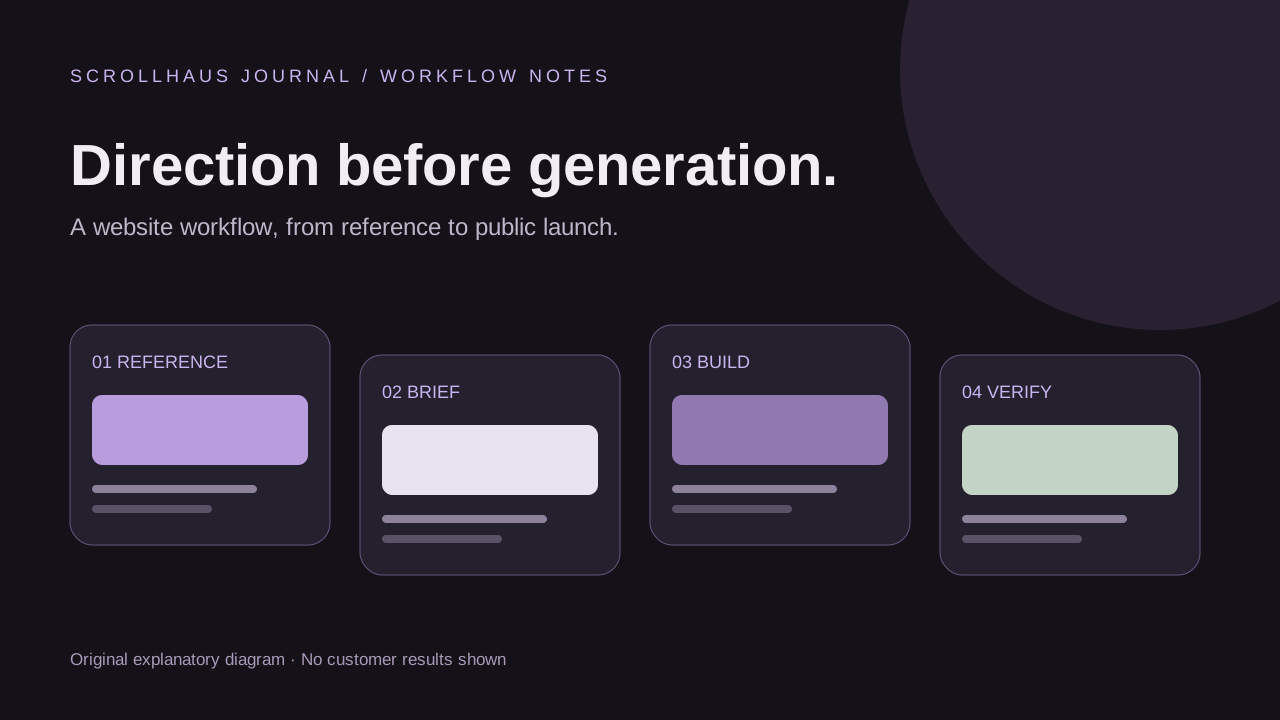
Quick answer: Landingsite.ai is an AI website builder: you describe a business, refine the generated pages in its editor and publish through its platform. Scrollhaus serves a different part of that workflow: choosing a visual direction, reviewing working website examples and preparing a detailed build brief. You can use those references to explain your intended design, but this is not a one-click import or an official integration.
This guide is published by Scrollhaus. We checked Landingsite's public product page and publishing documentation on 27 October 2026; we have not performed an authenticated end-to-end Landingsite build. Feature availability and plan terms should be checked with the provider before you commit a client project.
What is Landingsite AI?
Landingsite describes a conversational website-building workflow for businesses. Its product page presents site generation and editing through instructions in ordinary language. For a buyer, the important distinction is that it is the environment where the website is built and published, rather than a catalogue of reusable website source.
People also search for “landing site” when they mean a landing page in general. A landing page is a page built around a specific visitor action; Landingsite.ai is a named product. Decide which problem you have before choosing a tool: a lead-generation page, a full business site, a reusable template or visual inspiration.
Landingsite versus a website template library
| Question | Landingsite workflow | Scrollhaus workflow |
|---|---|---|
| Where does the first design come from? | A business description and subsequent instructions to its builder | A selected live example, template or visual reference |
| What do you take into the project? | Your real business information and design requirements | The selected resource's build prompt, references and available source |
| Where do you implement changes? | Inside Landingsite's editing environment | In your chosen compatible builder or coding environment |
| What needs checking before launch? | The published site, domain connection and plan requirements | The implementation, resource rights, hosting and actual business integrations |
Neither route removes the need to review the result. A polished preview cannot confirm that enquiries reach the right inbox. A source download cannot confirm that a builder supports every dependency. Start with the deliverable you need and work backwards.
1. Choose a reference before writing your builder prompt
Browse the Scrollhaus AI website templates for layout direction or the website collection for complete animated concepts. Choose a reference because its hierarchy fits your business: a clear offer, relevant examples, service details and a visible contact action. A dramatic hero is useful only if visitors can still understand the offer.
Record the transferable design decisions in your own words. For a contractor, that could be a concise service headline, a service-area section, project photos and a request-a-quote form. For a consultant, it might be a stronger explanation of the engagement and one clear booking path. Use only photos, logos and proof you have permission to publish.
Separate essential requirements from optional effects. A readable headline and usable navigation are essential; a full-screen animated background may be optional. The animated-background guide explains readability, fallback and pause considerations.
2. Give Landingsite a factual business brief
Use your selected direction to write a precise request. The following is a fictional example, not a customer result. Replace the bracketed fields before using it. Do not ask the builder to copy another company's site, testimonials or visual assets.
Create a business website for [business name], serving [verified service area].
Audience: [specific customer]. Main action: request a quote.
Use our supplied logo, project photos and approved copy.
Design direction: spacious sections, strong readable headings,
restrained violet accents and a clear mobile contact action.
Pages: Home, Services, About and Contact.
Explain [three real services] and show only approved project examples.
Do not invent reviews, awards, prices, guarantees or team members.
Keep animation optional; content and forms must work without it.
List any missing information or unsupported requirements before launch.
A reference gives the builder a direction; it does not guarantee identical rendering. When using Scrollhaus materials, check the individual resource's access and licence. For more detail, use the website-design prompt guide.
3. Review the generated landing page before adding complexity
Check one page first. Can a new visitor identify the service, location and next step without scrolling through decorative sections? Does the mobile layout retain the main action? Are the images relevant to this business? Correct those fundamentals before adding more pages or effects.
Request one concrete revision at a time: shorten the hero, clarify a service, move contact details higher or reduce distracting motion. Avoid vague instructions such as “make it premium,” which leave the actual design decisions unspecified. Keep a copy of approved copy and important settings outside the chat.
4. Confirm publishing, domain and account requirements
Landingsite's publishing guide distinguishes saved editor changes from public deployment. Review the current instructions for launching your exact site and connecting your domain. Confirm the plan requirements for the site you will publish rather than assuming that an editable draft is already live.
After publishing, open the public address and compare it with your approved version. If you have multiple drafts or logins, verify that you edited the one connected to the intended domain. Keep domain ownership, billing and the responsible business contact documented for client handoff.
5. Test the visitor journey on the public website
- Open every navigation destination and check the correct business details.
- Submit a test enquiry with permission and confirm receipt at the intended destination.
- Check contact links, booking destinations and any payment flow actually offered.
- Review keyboard navigation, text contrast, phone layout and reduced-motion behaviour.
- Confirm titles, descriptions, canonical URLs and public crawl access.
- Record analytics events for completed enquiries, not only button clicks.
If you are replacing an existing site, use the AI website redesign workflow to preserve useful URLs, forms and tracking. New design work should not accidentally remove working business functions.
When should you choose a different workflow?
If you need direct control of a particular codebase, a specific animation dependency or a source-based handoff, inspect whether your chosen builder supports that requirement before buying. Scrollhaus's source-code guide explains how to distinguish a preview, prompt and editable project.
If your immediate question is how to generate a reusable layout, read the AI website template generator guide. It covers the output types and acceptance checks that prevent a generated mockup being mistaken for a working template.
Frequently asked questions
Can I import a Scrollhaus template directly into Landingsite?
This guide does not establish a direct import feature. Use an appropriately licensed reference to explain your design requirements, and confirm supported inputs with Landingsite before assuming it accepts a source project.
Is Scrollhaus affiliated with Landingsite?
No partnership or official integration is claimed here. This is an independent workflow guide published by Scrollhaus.
Does using an AI landing page builder guarantee enquiries or Google rankings?
No. The offer, useful content, visitor experience, traffic quality and working enquiry process all matter. Publishing and sitemap submission do not guarantee indexing or rankings.
Explore animated website templates at Scrollhaus →
Need help with a template, account, or project? Email admin@scrollhaus.ai.