AI Website Templates · Published · 7 min read
GetLayers AI Review: Plans, Free Layers, Source Code and Who It Suits
What GetLayers AI gives you on each plan, what is free, and who should choose a library of complete websites instead.
Published by Amanjot Singh, founder of Scrollhaus. AI-assisted editorial work; product context, sources and corrections are documented in our editorial methodology.
Short verdict: GetLayers AI is a strong choice if you want many small building blocks (sections, 3D scenes, backgrounds and gradients) that you tune in the browser and paste into Claude Code or Cursor as one prompt. It is a weaker fit if you want one finished, art-directed website to adapt for a client. This GetLayers AI review explains what you get on each plan, what is free, and how it compares with MotionSites and Scrollhaus.
Disclosure and method: Scrollhaus competes with GetLayers. We have not bought a paid GetLayers plan. Everything here comes from the public GetLayers homepage, pricing page, documentation and sitemap, read on 10 November 2026. Treat prices and limits as a snapshot and confirm them before you pay.
What is GetLayers AI?
GetLayers AI (getlayers.ai) is a prompt library for AI website builders, run by Textura Agency. Its pitch is "your AI builds generic, we make it cinematic". You search one catalogue of templates, sections, 3D WebGL scenes, animated backgrounds, gradients and AI design tools. Each item is a "layer". You can adjust a layer in the browser, then copy it as a single prompt for your AI coding tool, or pull it in through the GetLayers MCP server.
The public sitemap listed 757 layer pages and 14 design tools on the day we checked. So the library is large, and most of it is made of parts instead of whole websites.
GetLayers AI features
- Templates: full landing pages. GetLayers says each has its own laptop, tablet and mobile layout, and reports a PageSpeed SEO score of 100 on every template.
- Sections: hero sections, feature grids, pricing blocks and footers that you combine into a page.
- 3D scenes: WebGL scenes you can place behind a hero.
- Backgrounds and gradients: animated video backgrounds and a gradient tool.
- Live preview and tuning: you change colours and settings in the browser before you copy the prompt.
- Figma designs: templates and sections are also offered as editable Figma files.
- Source code: on the top plan, templates come as a real Next.js project with rules and notes that a coding agent reads first. GetLayers lists 15+ skills, 10+ commands, 4 subagents and 50+ documentation notes in that starter.
- MCP: an MCP connection lets Claude Code, Cursor or another compatible client search the library and build from it.
GetLayers AI pricing and plans
GetLayers sells lifetime access as a one-time payment, not a monthly subscription. On 10 November 2026 the pricing page described three paid tiers. When we recorded prices on 6 October 2026, Unlimited was $139 and Full Stack was $199. Check the live page for today's price and any promo code.
| Plan | What it adds | Good for |
|---|---|---|
| Free | A curated set of free layers with the full prompt. No card needed. | Testing whether the prompts work in your AI tool |
| Unlimited | Every premium prompt: templates, 3D scenes and sections. Commercial licence. Fair use of 10 prompt copies per type each day. | Quick, prompt-first builds |
| Unlimited Plus | Adds premium backgrounds, gradients, live tuning and Figma designs. | Designers who work in Figma first |
| Full Stack | Adds source code, the GetLayers MCP and private Discord support. | Developers who want a runnable project |
Two details matter before you buy. First, source code and the MCP sit on the top tier only, so the cheapest plan gives you prompts, not files. Second, the fair-use limit is counted per content type, which is generous for one person but worth knowing if a whole team shares one account.
Is GetLayers AI free?
Partly. There is a free set of layers, each with its full prompt, and you do not need a card. GetLayers says the point is to copy one into your AI and learn within a few minutes whether the product suits you. The rest of the library needs a paid plan. If you only need a few free animated starting points, compare the free layers with the free animated website templates with source code that other libraries publish.
GetLayers AI pros and cons
| Strengths | Limits |
|---|---|
| Very large catalogue of sections, scenes and backgrounds | Most items are parts, so you still art-direct the whole page yourself |
| One-time lifetime pricing | Source code and MCP are only on the highest tier |
| Browser tuning before you copy a prompt | A prompt-built page can differ from the preview, as with any prompt library |
| Figma files and a Next.js starter for developers | Daily fair-use cap on prompt copies |
| Free layers with no card | Free layers are for evaluation; check the licence before client work |
GetLayers vs MotionSites vs Scrollhaus
These three libraries are often compared, but they hand you different things. Pick by the deliverable you need on Monday morning.
| Question | GetLayers AI | MotionSites | Scrollhaus |
|---|---|---|---|
| Main unit | Layers: sections, scenes, backgrounds, templates | Website prompts, sections and animated backgrounds | Complete animated and 3D websites, 276 catalogue entries |
| How you build | Tune, copy one prompt, or use MCP | Copy a prompt into Lovable, Bolt, Cursor or Claude | Scroll the live site, then copy its build instructions and source |
| Source code | Full Stack plan | Prompts first; 40+ Lovable templates | Exact-copy source export on every entry |
| Pricing model | Lifetime, three tiers | 3 months, yearly or $399 lifetime, plus prompt packs | $29.99 monthly, $199 yearly or $299 lifetime |
| Free tier | Curated free layers | A small number of free prompts | 26 free websites after a free sign-in |
For a longer side-by-side, read MotionSites vs GetLayers vs Scrollhaus or the GetLayers AI alternative guide.
GetLayers AI user reviews: what real users say
GetLayers is a young AI platform, so there are few verified user reviews on the large software review sites yet. Most public feedback is on social media, where designers and vibe coding creators showcase pages they built. Reviewers tend to praise two things: the prompts generate a page that looks close to the preview, and the 3D scenes solve the "every AI site looks the same" problem. The common complaint from customers is that a prompt still needs custom work to feel on-brand, such as your own copy, colours and image assets.
We could not verify individual claims, so treat social posts as marketing unless the reviewer shows the build. A fair test is to save one free layer, run it in your own workflow and judge the result yourself.
Setup, interface and integration
Setup is light. The interface is an intuitive, searchable gallery, and each layer page has a tuning panel and a copy button. Integration with coding tools happens through the prompt or the MCP server, so it fits Claude Code, Cursor and similar software without plugins. It suits most industries, from SaaS to a personal portfolio, because you supply the brand. Compare the pricing options above against how many projects you expect to ship in a year.
Who should buy GetLayers AI?
Buy it if you already know what the page should look like and you need high-quality parts quickly: a WebGL hero, a gradient, a pricing section. It also suits developers who want a Next.js project that an agent can extend, and Figma users who design before they build.
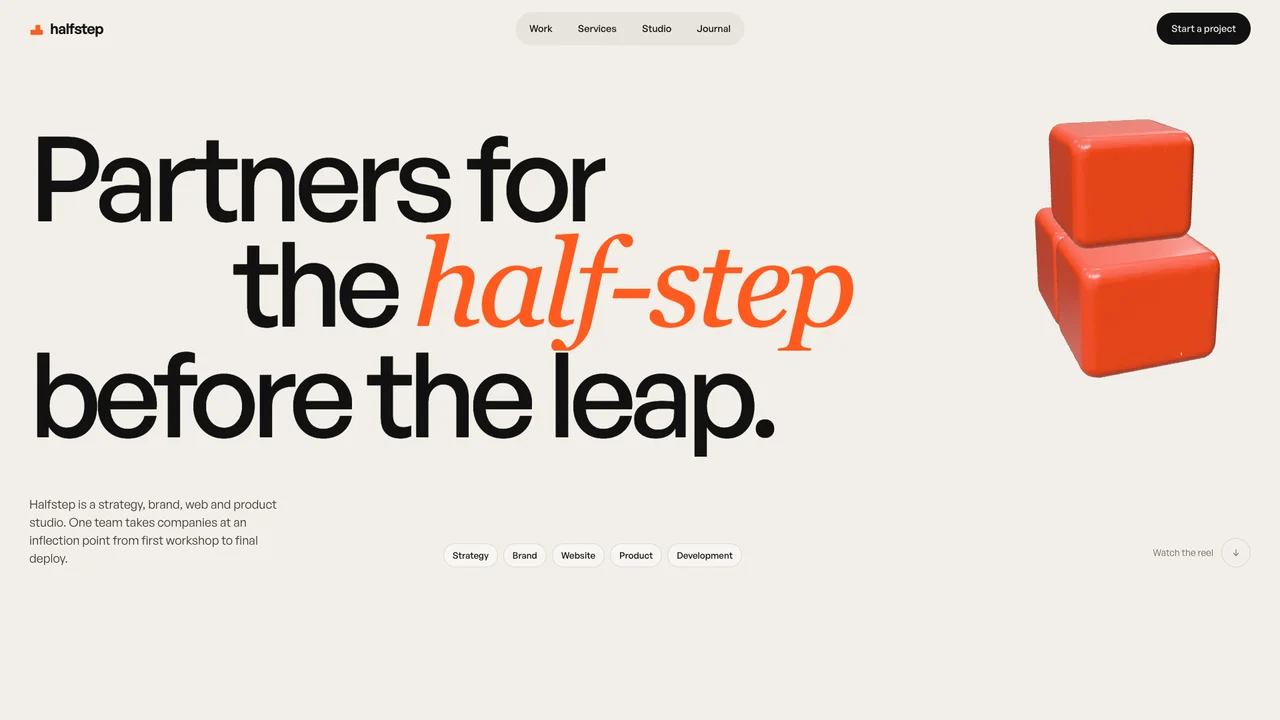
Look elsewhere if you want to start from a finished website with one visual idea carried from the first screen to the footer. In that case a library of complete sites is faster, because the art direction is already done. On Scrollhaus you can open a site such as HALFSTEP or the free LOOPLINE, scroll the real thing, then copy the build instructions into your AI tool.
How to test GetLayers before you pay
- Pick one free layer that matches a real project, not a random favourite.
- Paste the prompt into the AI tool you already use and build it once without edits.
- Compare the result with the preview on a phone and on a laptop.
- Replace the demo copy and images with your own, then check loading speed.
- Read the licence for commercial use before you ship client work.
Run the same test on one free website from another library. Ten minutes with each tells you more than any review, including this one.
Our view
GetLayers AI is good value for builders who think in components and want lifetime access. Its tuning tools and Figma files are real advantages. Its weak point is the same as every parts library: the final page is only as good as the person assembling it. If you want the assembly done for you, start from a complete site instead, and keep GetLayers for the extra scenes and backgrounds.
Frequently asked questions
Is GetLayers AI worth it?
It is good value if you build pages from parts and want lifetime access to sections, 3D scenes and backgrounds. If you want one finished website to adapt, a library of complete sites is faster.
Does GetLayers AI include source code?
Source code and the GetLayers MCP are on the Full Stack plan. Lower plans give prompts, and Unlimited Plus adds backgrounds, gradients and Figma designs.
What is a good GetLayers AI alternative?
MotionSites is the closest prompt library. Scrollhaus is the alternative when you want complete animated and 3D websites with live previews, build instructions and source.
Browse Scrollhaus website designs and build resources →
Need help with a template, account, or project? Email admin@scrollhaus.ai.