AI Website Prompts · Published · 8 min read
Lovable Prompts for Websites: 14 Examples and a Structure That Works
A prompt structure Lovable responds to, fourteen prompts to copy, and practical ways to spend fewer credits on design fixes.
Published by Amanjot Singh, founder of Scrollhaus. AI-assisted editorial work; product context, sources and corrections are documented in our editorial methodology.
Quick answer: the best Lovable prompts are short on adjectives and long on specifics. Tell Lovable who the site is for, the one action you want, the sections in order, the real copy and the exact style. Then build one section at a time. This guide gives you a prompt structure, 14 Lovable prompts for websites and landing pages you can copy, and ways to spend fewer credits fixing design.
How Lovable reads a prompt
Lovable is an AI app builder. It turns a written prompt into a working React and Tailwind project, with a built-in backend for sign-in, databases and storage. Every prompt changes the code that already exists, so early decisions carry forward. Lovable's own prompting guide makes four points that matter most for websites:
- Plan before you prompt. Decide what the product is, who it is for, why they use it and the one key action.
- Get the design right first. Set the look and feel early. It is harder to change later.
- Prompt by component, not by page. Build the hero, review it, then the next section.
- Use real content. Placeholder text hides layout problems that real headlines reveal.
You can also end a prompt with "ask me any questions you need before you build". Lovable replies with clarifying questions, which often saves a wasted generation.
The structure of a good Lovable prompt
Context: [what the site is and who it is for]
Goal: [the one action a visitor should take]
Design: [3 style words], colours [hex codes], fonts [names], corner radius, spacing
Build now: [one section only, with its real copy]
Behaviour: [hover, scroll and mobile rules]
Guardrails: [what must stay unchanged]
Save the Design lines to your project instructions (the knowledge base). Lovable then applies them to every later prompt, so new sections match the first one.
14 Lovable prompts for websites
Starting the project
1. Project foundation. "I am building a marketing website for a meal-prep delivery service for busy parents. The main action is 'See this week's menu'. Before you write code, propose a sitemap and a design direction, and ask me any questions you need."
2. Design system first. "Set up the design system only. Warm off-white background #FAF6F0, deep green #1F3D2B for text, tomato #E4572E as the accent. Headings in Fraunces, body in Inter. 16px corner radius, generous padding, soft shadows. Create buttons, cards and a section wrapper. Do not build pages yet."
Landing page sections
3. Hero section. "Build the hero. Headline: 'Dinner, sorted by Sunday.' Subtext: 'Chef-cooked family meals delivered once a week.' Primary button: 'See this week's menu'. Place a large food photo on the right with rounded corners. On phones, stack the image under the text."
4. Social proof. "Under the hero, add a slim bar with '4.8 average from 2,300 families' and five small review avatars. Keep it to one line on desktop."
5. Feature grid. "Create a feature section with a centred headline and three cards in a row. Each card has an icon, a short title and one sentence. Cards lift 4px on hover with a soft shadow."
6. Pricing table. "Add a pricing section with three plans: 3, 5 and 7 meals a week. Highlight the middle plan with the accent colour and a 'Most popular' badge. Add a monthly and weekly toggle that updates the prices."
7. FAQ and final call to action. "Add an accordion FAQ with these five questions [paste]. Finish with a full-width call to action band that repeats the hero button."
Whole-site prompts
8. Portfolio website. "Build a one-page portfolio for a product designer. Sections: intro with a large name, four project cards that open a detail view, a short about paragraph, and contact links. Minimal, black on white, one mono font for labels."
9. SaaS landing page. "Create a landing page for an invoice tool for small studios. Dark theme, electric blue accent. Hero with product screenshot, logo strip, three benefits, a 'how it works' with three steps, pricing and FAQ. Goal: start a free trial."
10. Local business. "Build a website for a neighbourhood yoga studio: home, class timetable, pricing, teachers and contact. Calm and organic, muted earth tones, rounded corners. Add a booking button in the header."
Design and animation polish
11. Make it look premium. "Review the homepage as a senior designer. Increase whitespace, tighten the type scale to four sizes, use one accent colour only, and align every section to the same grid. Change styling only. Do not change copy or structure."
12. Scroll animation. "Add reveal animation: each section fades up 24px as it enters the viewport, 600ms, ease-out, once only. Respect prefers-reduced-motion. Do not animate the navbar."
13. Video hero. "Replace the hero image with a muted, looping background video from this URL [paste]. Add a dark overlay so the headline stays readable, and show a poster image while it loads."
Fixing and guarding
14. Targeted fix. "On the pricing section only: the cards overflow on a 375px screen. Stack them in one column below 640px. Leave every other section untouched."
Lovable prompts for apps and dashboards
Lovable (lovable.dev) builds full-stack applications too, so here are six ready-to-use, copy-paste prompts for core features. Send each prompt into Lovable as its own step.
15. Analytics dashboard. "Build an analytics dashboard with a collapsible sidebar, four KPIs in cards, a line chart of weekly revenue, a bar chart of sign-ups by channel and an activity feed. Mobile-first, with a dark mode toggle."
16. Authentication. "Add auth with Supabase: email and password sign-up with email confirmation, Google OAuth, and a protected dashboard route. Show a clear error and a retry button if sign-in fails."
17. Settings page. "Create a settings page with profile, notification preferences and billing tabs. Save changes to the database, and keep the theme choice in localStorage."
18. Data table. "Build a customers table with search, column sorting, pagination, an item detail drawer and CSV export. Support keyboard navigation."
19. Onboarding. "Add a three-step onboarding flow after first sign-in: choose a goal, connect data, invite a teammate. End with one CTA to the dashboard."
20. From app idea to plan. "Here is my app idea: [describe]. Write a short PRD with the product strategy, the 6 features for version one and the data model. Ask me questions before creating pages."
Why prompts matter in Lovable
A vague prompt costs credits. When Lovable has to guess, the output quality drops and you pay again to correct it. Better prompts follow a step-by-step workflow: plan, design system, one feature at a time, review. If you draft in ChatGPT or Cursor first, or use a prompt generator, check the result before you paste into Lovable: an AI prompt written by another AI is often long but still vague about UI and UX. Lovable needs specifics more than length. That is still true in 2026, even as AI-powered builders get closer to production-ready results on the first pass.
Lovable prompts for landing pages: a full example
Here is how the pieces fit for one landing page. Send these as separate messages and check the preview after each.
- Foundation prompt with context, goal and questions (prompt 1).
- Design system prompt (prompt 2), then save the style to project instructions.
- Hero, then social proof, features, pricing, FAQ (prompts 3 to 7), one at a time.
- Polish prompt (prompt 11), then animation (prompt 12).
- Mobile check: "Review every section at 375px and fix overflow, tap target and text size problems."
Bookmark the version after each step that works, so you can go back if a later change breaks the layout.
How to use fewer Lovable credits
- Decide the design outside Lovable. Most wasted credits go on "make it look better" loops.
- Start from a tested brief. A long, precise prompt gets closer on the first generation than five short ones.
- Use Plan mode to agree the approach before code is written.
- Select the element in the preview and describe one change, instead of re-prompting the page.
- Edit plain text directly on the page. Copy changes do not need a prompt.
Where to find Lovable prompts and templates
| Source | What it offers |
|---|---|
| Lovable's prompt library and templates | Official prompts for common features and starter templates you can remix |
| Free prompt collections | Short prompts grouped by industry or use case; good for ideas |
| MotionSites and GetLayers | Paid libraries of animated website prompts |
| Scrollhaus | 276 complete animated and 3D websites, each with a live preview, a written build spec and source; 26 are free |
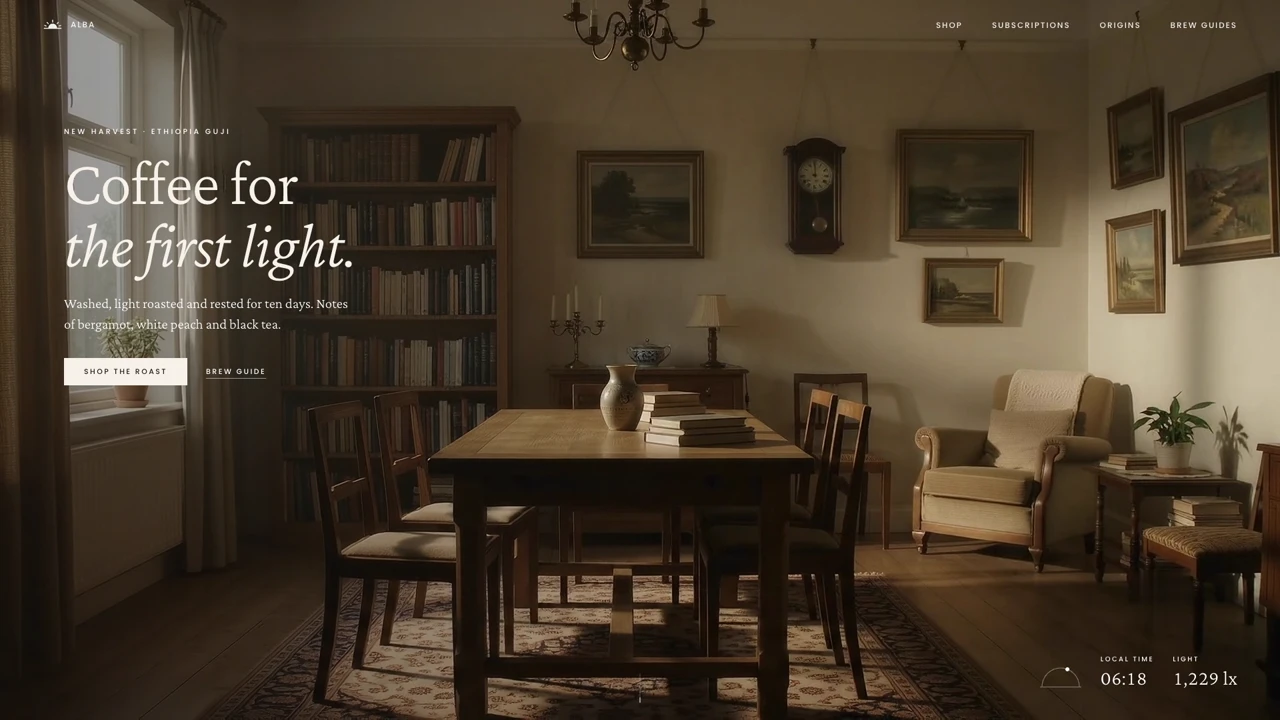
The difference between a short prompt and a build spec is detail. A Scrollhaus spec names every component, colour, font, easing curve and phone rule for a site that already exists, so Lovable has far less to guess. Scroll the free ALBA coffee site or LOOPLINE, copy the build instructions, and paste them into a new Lovable project.
Related guides: Lovable animated website templates, how to choose a website template for Lovable, Bolt and Claude and landing page prompts.
Common mistakes to avoid
- Writing "make a beautiful modern website". Lovable cannot see your idea of beautiful.
- Building five pages in the first prompt.
- Changing design direction halfway. Start a new project instead.
- Skipping the phone preview until the end.
- Forgetting guardrails, then losing a section that worked.
Strong Lovable prompts read like a brief you would hand a freelance developer. Be specific, go one section at a time, and bring the design with you.
Frequently asked questions
How do I write a good Lovable prompt?
State the context, the goal, the design system, the one section to build now with its real copy, the behaviour, and what must not change. Then build the next section in a new prompt.
What are the best Lovable prompts for a landing page?
Start with a foundation prompt and a design system prompt, then prompt the hero, social proof, features, pricing and FAQ one at a time, and finish with a polish and mobile check.
How can I use fewer Lovable credits?
Decide the design before you start, use a long and precise first prompt, use Plan mode, select elements for small edits and change plain text directly on the page.
Can I paste a full website brief into Lovable?
Yes. Lovable handles long, structured briefs well. A written build spec for an existing design gives it far less to guess than a short description.
Browse Scrollhaus website designs and build resources →
Need help with a template, account, or project? Email admin@scrollhaus.ai.