AI Website Templates · Published · Updated · 5 min read
MotionSites AI Alternative: Compare Scrollhaus
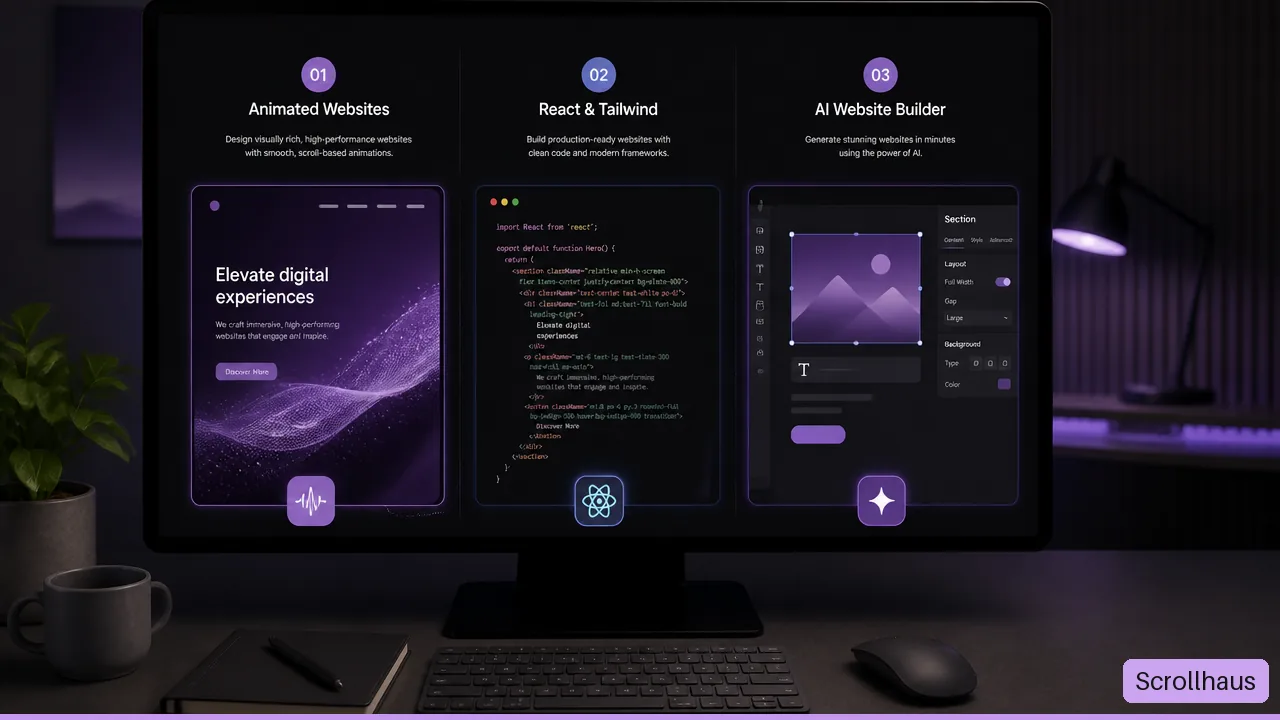
Looking for a MotionSites.ai alternative? Compare the prompts, templates, previews and build materials you receive before paying. Scrollhaus offers animated website directions you can inspect on desktop and phone, with entry-specific source and build instructions for your AI coding tool.
Published by Amanjot Singh, founder of Scrollhaus. AI-assisted editorial work; product context, sources and corrections are documented in our editorial methodology.
Key takeaways
- MotionSites emphasizes copyable prompts and visual directions.
- Scrollhaus emphasizes working previews plus editable implementation details.
- The right choice depends on whether your bottleneck is ideation or production fidelity.
Disclosure and scope: Scrollhaus publishes this comparison and offers a competing design library. We checked the linked public MotionSites pages on October 30, 2026. We did not test a paid MotionSites account. Confirm the current checkout, deliverables and licence before purchasing.
Which MotionSites AI alternative fits your project?
Choose an alternative by the material you need: a design prompt, an individual component, a complete website direction or a builder that creates and hosts your project. Scrollhaus is an option when you want to inspect an animated website, then copy a sequenced build prompt into your AI tool. Selected entries also include an editable project download.
If you searched for the original product, the official MotionSites site is motionsites.ai. Its own prompt workflow may suit you. This page helps readers comparing options; the MotionSites AI product guide explains the brand and the separate singular MotionSite.ai domain.
MotionSites AI vs Scrollhaus: the practical comparison
| Decision | MotionSites: public description | Scrollhaus: current workflow |
|---|---|---|
| Starting point | Browse a design and copy a prompt into an AI builder. | Inspect an animated website preview and select a builder-specific written handoff. |
| Resources | Website directions, apps, sections and animated backgrounds. | Complete website directions, prompts, 3D resources, backgrounds and UI components. |
| Website copy action | The public workflow describes copying a prompt. | “Copy for Lovable”, “Copy for Replit” and other builder choices copy sequenced written instructions rather than raw HTML. |
| Editable project | Confirm the selected entry's format and account access. | Selected entries include a React project download; inspect the entry before buying. |
| Free evaluation | The official MCP page describes three free prompts for a free account. | Selected website builds are marked free. Start with KESTREL or SOLSTICE below. |
| Agent access | The official MCP page documents account authorization for compatible clients. | Yearly and Lifetime include paid-member MCP access; Monthly excludes it. See current plan limits. |
| Launch work | Your builder's output, phone layout, asset rights and real integrations still require verification. A prompt or preview does not prove that checkout or account activation works. | |
What do the current plans include?
Public prices checked October 30, 2026 are in USD. MotionSites lists $129 every three months with three prompt copies per day, $279 yearly and a displayed $399 one-time Lifetime offer. It also lists prompt packs. Verify the official MotionSites offer for current billing and terms.
Scrollhaus lists Monthly at $29.99 with ten distinct premium website copies per UTC week. Yearly is $199 per year, or $159.20 for the first year with SCROLL20, then renews at $199. Lifetime is $299 once, or $239.20 with SCROLL20. Yearly and Lifetime include unlimited website copies and MCP access under their current limits. Taxes may apply; Scrollhaus pricing is the source for current inclusions. These are different periods and allowances, so compare the plan you would actually use.
Try a free MotionSites alternative before paying
- Open KESTREL, a free technology website. Inspect the page structure, then choose your builder and copy its build instructions.
- Build one section with your own brand. Check the assets, headline, spacing and buttons before expanding the page.
- Compare on a phone. Check reading order, navigation and whether the interaction leaves vertical scrolling available.
- Finish on your actual hosting. Test contact and payment integrations separately. Save your project and confirm your rights to its media and fonts.
For another direction, inspect SOLSTICE, a free cinematic hero. For a premium interaction, view GIRA's eyewear character; its build materials require premium access. The gallery card is a recording, so open the live experience when evaluating actual pointer interaction.
Prompt library, component library or complete website?
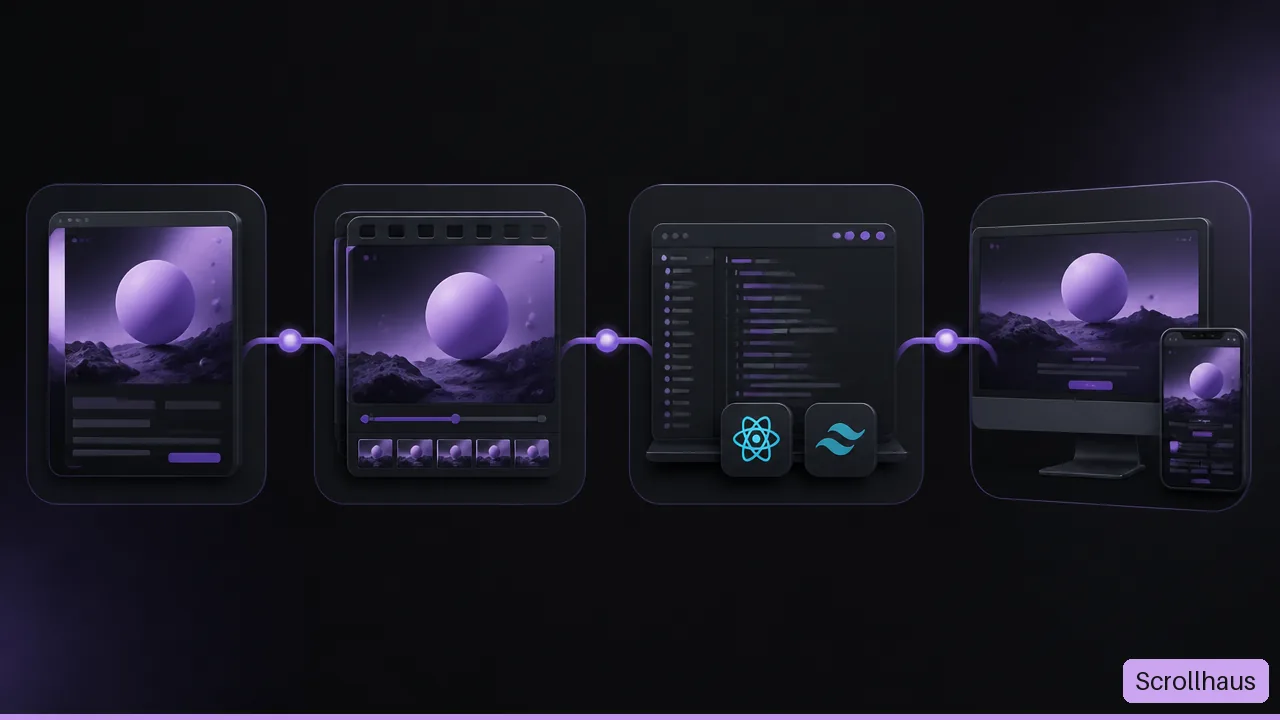
- A prompt library supplies instructions for an AI coding tool. The model and supplied assets influence the generated result.
- A component library supplies interface pieces you assemble. Use individual UI components if you need a button, navbar or card.
- A complete website direction brings the hero, content sections and motion into one reference. Browse website templates for a complete landing-page starting point.
- A hosted builder combines an editor with deployment services. Check export, hosting costs and integrations separately from the design library.
The AI website template library checklist helps compare formats. A large catalogue does not establish whether a particular design fits your content or how much editing it will need.
Which alternative works with Lovable, Replit, Bolt or Cursor?
Choose build material that states the stack, assets, responsive rules and motion behaviour explicitly. Scrollhaus website prompts use a sequenced brief for React, TypeScript, Vite and Tailwind. Select the intended builder on the card; adapt the result in small steps and compare it with the preview. The website design prompt guide gives a fuller example.
MotionSites also describes a copy-and-paste workflow with AI builders. Similar compatibility lists do not guarantee identical output. Models, asset access, dependencies and your revisions affect the final page.
How should you compare MCP access?
The MotionSites MCP guide describes registering its server and signing in with a MotionSites account. Scrollhaus uses its own member key and access rules, documented in the Scrollhaus MCP setup guide. A connection retrieves permitted resources; it does not create a subscription or replace deployment testing.
Check these before a client launch
- Preview the full page, including its final call to action.
- Confirm the resource's deliverables and licence, including third-party media.
- Keep essential text and links usable if animation fails.
- Test phone layout, keyboard controls and reduced motion.
- Measure loading, responsiveness and layout stability with the performance checklist.
- Verify deployed contact, checkout and account flows with production configuration.
Sources and review method
This comparison uses the official MotionSites homepage, plans and MCP documentation, plus Scrollhaus's own catalogue, pricing and member-access rules. Public statements are attributed to their provider. We have not measured either product's effect on your build time, sales or rankings.
For a narrower task, read the free prompts and alternatives guide, 3D website design guide or source-format checklist.
Frequently asked questions
Is Scrollhaus a MotionSites AI alternative?
Yes, for readers comparing animated website directions and AI build materials. Scrollhaus pairs working previews with sequenced builder prompts and entry-specific project downloads. Check the actual design, access rules and licence before choosing.
Can I try a free alternative to MotionSites?
Selected Scrollhaus website builds, including KESTREL and SOLSTICE, are free. Open a free entry, choose your builder and test its written build prompt before deciding whether paid access fits.
Does an AI website prompt guarantee the same result in every builder?
No. The model, assets, dependencies and later edits affect the result. Use the preview as a reference and test the generated implementation on desktop, phone and your production hosting.
Explore animated website templates at Scrollhaus →
Need help with a template, account, or project? Email admin@scrollhaus.ai.