Motion Design · Published · Updated · 7 min read
Scroll Animation Websites: Examples, Effects and Better Motion
The best scroll animation websites do not animate everything. They use movement to reveal a relationship, orient a visitor or make a product story easier to understand, while the page remains smooth, readable and usable.
Published by Amanjot Singh, founder of Scrollhaus. AI-assisted editorial work; product context, sources and corrections are documented in our editorial methodology.
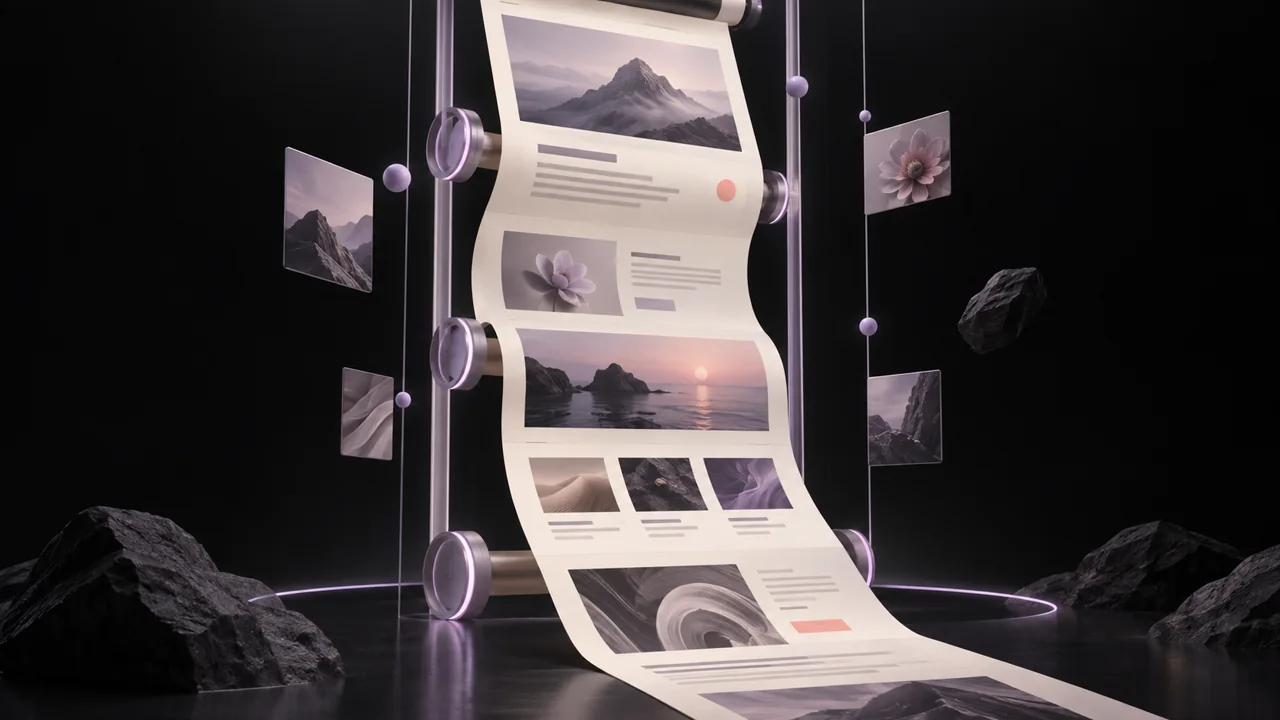
Quick answer: a scroll animation website connects movement to reading progress. It may reveal content as it enters the viewport, pin an object while its story changes, or turn a long section into a horizontal sequence. The effect succeeds only when a visitor can still scroll normally, read the content and use the page on a phone.
ScrollHaus exists because motion needs context. Browse the animated website collection to study a full page rather than a single cover image, then decide which interaction supports your own story.
Scroll animation website examples worth exploring
Look for examples that make the next section easier to understand, not simply more energetic. Visual galleries from Awwwards, Webflow and A1 Gallery are useful for observation. Watch each example once without reading the copy, then again while reading. If the motion competes with the message, it is not a pattern to copy.
| Effect | Best use | Common failure |
|---|---|---|
| Viewport reveal | Introducing related cards or paragraphs in a long page | Excessive delays make scanning slow |
| Parallax | Adding depth to a hero or editorial image | Fast movement creates nausea or unreadable layers |
| Pinned section | Explaining a product step-by-step | Trapping the visitor for too long |
| Horizontal sequence | Showing a connected series of products, chapters or comparisons | Breaking ordinary scroll expectations on mobile |
| Scroll-progress detail | Giving orientation in a long story | Decorative meters with no meaningful relationship to progress |
Scroll-triggered versus scroll-driven animation
Scroll-triggered animation starts when a section enters or leaves the viewport. A fade or short transform is usually enough. It is easier to keep performant because the page does not need to calculate a new visual state for every fraction of the scroll.
Scroll-driven animation maps an effect continuously to scroll progress. It can create strong storytelling when the relationship is obvious: a product rotates while its features are explained, or a timeline advances through milestones. It needs more care, especially when video, canvas or WebGL is involved.
Never force a video playhead to seek on every wheel event just to make it feel “scroll controlled.” That commonly creates the choppy, frame-by-frame experience visitors notice. Use continuous playback or a lightweight transform effect unless the content genuinely requires a frame sequence.
Scroll animation effects: reveals, parallax, pinned sections and horizontal scrolling
Reveals that support hierarchy
Use a short opacity and transform transition as a section becomes relevant. Keep the final content in the normal document flow, preserve focus order, and make the non-animated state complete.
Parallax that adds depth
Move a background more slowly than the foreground. Keep the amplitude small, avoid moving text against busy imagery, and remove or simplify the effect for smaller screens.
Pinned storytelling
Pin one visual anchor while supporting copy changes beside it. The visitor should understand why the page pauses there, and the pin should release before it feels like a barrier. A clear progress cue helps.
Horizontal scrolling with an ordinary fallback
A horizontal sequence can show a connected set of ideas, but it must remain understandable with ordinary vertical scrolling. On touch devices, consider stacking the content rather than hijacking the page direction.
How to build smoother scroll animation
- Start with ordinary document scrolling. Do not replace browser scrolling merely to make the page feel different.
- Animate compositor-friendly properties. Favor
transformandopacity; avoid repeated layout calculations while the visitor scrolls. - Use the right tool for the job. CSS is often enough for a reveal. A timeline tool such as GSAP ScrollTrigger or Motion can help with intentional progress-based effects.
- Test on a phone. A high-end desktop can hide expensive work. Check a real touch device, a lower-power laptop and a throttled connection.
- Offer reduced motion. When
prefers-reduced-motionis set, show the same information with simpler transitions or a static layout.
The ScrollHaus performance guide covers production checks in more detail. For a starting reference, visit the background collection or explore complete site motion in the website library.
Build a CSS scroll progress indicator
A reading-progress line is a small, useful first scroll-driven interaction. This example follows the whole document, including any footer. It does not measure whether someone read the text, and it should not replace navigation or chapter headings.
Open the free working reading-progress demo. Scroll normally, use the jump links and try reduced motion. No account, framework or animation library is needed.
HTML and CSS
Add this decorative element near the start of the body, outside any transformed container:
<div class="reading-progress" aria-hidden="true"></div>Add these styles. The timeline declaration comes after the animation shorthand so the shorthand does not reset it.
.reading-progress { display: none; }
@supports (animation-timeline: scroll()) {
  .reading-progress {
    display: block;
    position: fixed;
    inset: 0 0 auto;
    height: 4px;
    z-index: 100;
    pointer-events: none;
    background: #bca0ef;
    transform: scaleX(0);
    transform-origin: left;
    animation: reading-progress linear both;
    animation-timeline: scroll(root block);
  }
}
@keyframes reading-progress { to { transform: scaleX(1); } }
@media (prefers-reduced-motion: reduce) {
  .reading-progress { display: none; }
}
Browser support and launch checks
MDN documents animation-timeline as having limited browser availability. The feature query leaves the document usable and hides the meter in unsupported browsers. The reduced-motion rule also hides it. This version deliberately adds no JavaScript fallback.
- Use a page longer than the viewport. Check the line near the top, midpoint and bottom after fonts and images load.
- Test fragment links, keyboard scrolling and touch. The meter must not capture pointer events or hide focused controls.
- Keep the meter outside transformed ancestors that could change fixed positioning.
- If you need article-only progress, use an appropriately scoped timeline; this document-wide example is not that measurement.
For a complete navigation system, combine it with the floating navbar preview and integration guide. To start from a full page instead, browse free animated website builds and check the entry-specific handoff.
Methodology
This guide was planned from a NeuronWriter analysis for “scroll animation websites.” It identified visual galleries and implementation resources as the useful result types, while recipes, tabletop spell scrolls, sewing tutorials, unrelated social posts and hardware results were excluded from the research. The article adds original production guidance, accessibility constraints and practical evaluation criteria rather than copying gallery descriptions.
Need help adapting motion for a real project? Email admin@scrollhaus.ai.
Related reading
Build a connected motion system
Use the animated navbar guide for stable navigation, CSS text examples for readable introductions and the 3D background guide for supporting atmosphere. Give each effect one task and check the performance checklist before combining them.
Quick answers
What are the best scroll animation website examples, and what makes each one effective?
Stroll Club scrubs a film frame by frame and adds its own camera moves. Kelpware holds a tight framing while a title fades, then pulls out to the full scene. Grim & Tonic ties a product story to a scrubbed sequence. Each is effective because the motion follows the reader's scroll and explains the product, rather than decorating it.
Which CSS properties and browser APIs are best for performant scroll animations?
Animate transform and opacity. Use CSS scroll-driven animations (animation-timeline with scroll() or view()) where supported, IntersectionObserver for triggers, and requestAnimationFrame for scroll-linked JavaScript. Draw image sequences to a canvas instead of swapping image elements.
What is the difference between scroll animation, parallax, pinned scrolling and horizontal scrolling?
Scroll animation is any motion tied to scrolling. Parallax moves layers at different speeds to suggest depth. Pinned scrolling holds a section in place while its content animates. Horizontal scrolling converts vertical scroll into sideways movement through a track. They are often combined on one page.
Should scroll-driven animations use CSS, JavaScript, GSAP or Motion?
Start with CSS for simple reveals and parallax. Use GSAP or Motion when you need complex timelines, pinning or sequencing across many elements, and plain JavaScript with canvas for frame-accurate video or image-sequence scrubbing.
Sources
- CSS scroll-driven animations (MDN Web Docs)
- Animations guide (web.dev)
- prefers-reduced-motion (MDN Web Docs)
Add a lightweight reading cue
A long article rarely needs an elaborate animation system. A thin scroll progress indicator can show document position while leaving touch, wheel and keyboard scrolling native. The tutorial includes a CSS timeline, a JavaScript fallback and a working demo with short-page and dynamic-content checks. Treat the line as optional decoration, and keep headings and navigation useful without it.
For the first screen specifically, see five scroll-driven hero templates.
Frequently asked questions
What is scroll animation called?
Depending on the behavior, it may be called scroll-triggered, scroll-driven or scroll-linked animation. Parallax, pinned sections and horizontal sequences are common patterns.
Do scroll animations hurt SEO?
Scroll animation does not hurt SEO when important content remains readable HTML, the page performs well and motion does not block interaction. Scrollhaus guidance also keeps essential information out of canvas- or video-only experiences and points to Google’s good thresholds for LCP, INP and CLS.
What is the smoothest way to animate on scroll?
Use ordinary browser scrolling and small transform or opacity changes. Avoid seeking video on every scroll event, layout-heavy effects and long scroll traps.
Should every page have scroll animation?
No. Use it only when it clarifies a sequence, reinforces a product interaction or supports the visual story.
Explore animated website templates at Scrollhaus →
Need help with a template, account, or project? Email admin@scrollhaus.ai.