Client Work · Published · Updated · 9 min read
Animated Website Templates for Client Projects: A Production Checklist
Animated web templates can give a client project a working visual starting point. Choose a preview that fits the brief, inspect what the source includes, then use this production checklist for licensing, motion, integrations and handoff. A template demonstrates a design; it does not supply verified client results or working business integrations automatically.
Published by Amanjot Singh, founder of Scrollhaus. AI-assisted editorial work; product context, sources and corrections are documented in our editorial methodology.
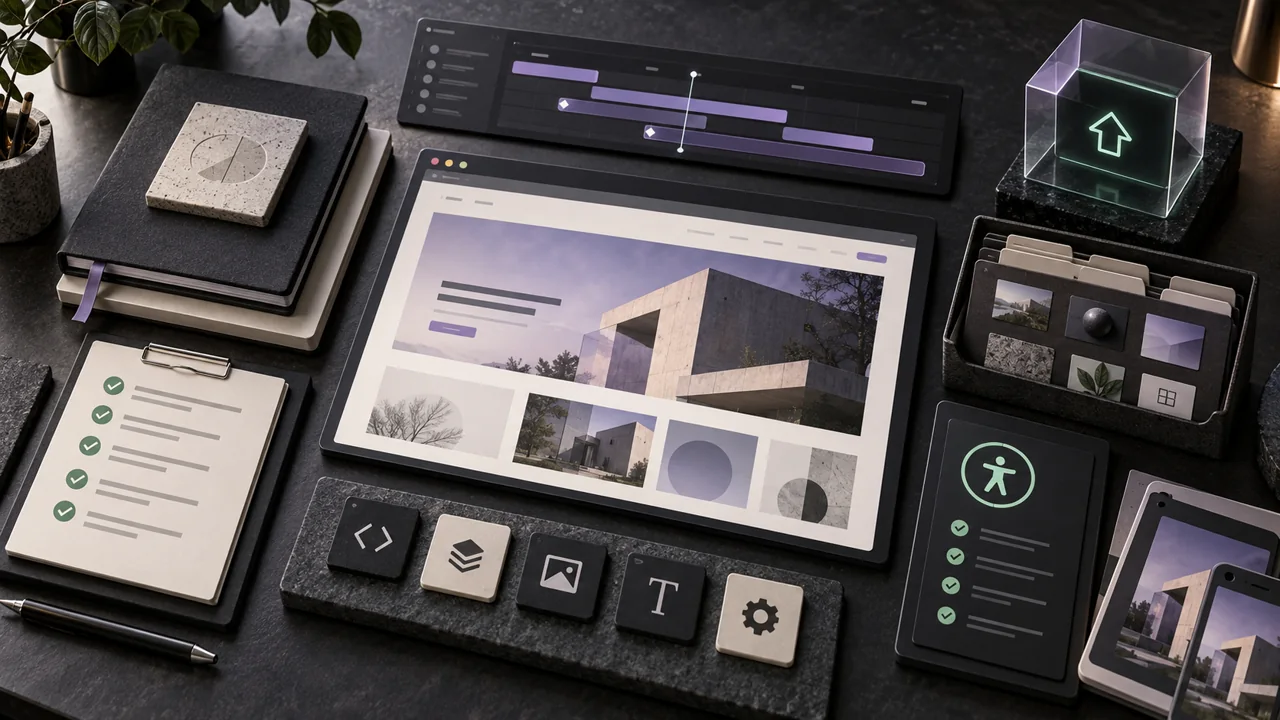
Key takeaways
- Template access and the rights to third-party media are separate checks.
- Replace fictional business metrics and contact details before a client launch.
- A build passing automated checks still needs functional and device testing.
Choose a working example before adapting the brand
For a technology landing page, start by reviewing KESTREL. For a portfolio direction, inspect Mirage. For a travel narrative, compare Mesa Alta. These are selected free-to-build Scrollhaus concepts, not client case studies. Open their build views using the links below, confirm the current source format, and inspect desktop and phone layouts before choosing one.
Use the preview to answer a concrete question: does this page make the offer, proof and next action clear? Move forward and backward through the motion, try the navigation, and check that the enquiry action remains accessible. For a simple service business, a clear page with a working form may suit the brief better than an elaborate scroll sequence.
Run one preview-to-build test before quoting the project
Take one free example into the AI coding tool you actually use. Read its build instructions first: portable HTML and a multi-file project require different setup. Keep required hosted asset and runtime references intact. Ask the tool to adapt the business name, offer and contact action before changing the animation architecture.
Compare the rebuilt result with the original preview. Record missing sections, dependency setup, source edits, media permissions and integrations that still need work. Include that work in the estimate. A design that looks finished in a preview can still need a real booking destination, form delivery, content management and deployment ownership.
Before launch, submit a test enquiry, confirm it arrives in the intended inbox or CRM, and check the confirmation state. Test the actual published URL on a phone and with keyboard navigation and reduced motion. Record the observed result and who owns each account; do not treat compilation or an attractive recording as proof that these steps work.
Confirm the licence and asset rights
Check whether the template permits commercial client work and how many projects the licence covers. Review every font, photograph, video, icon and 3D asset separately; a template licence does not automatically transfer third-party rights.
Move production assets to an account controlled by the client or agency. Record their sources and licences so a future redesign does not depend on an unknown personal folder or temporary link.
Translate the brand instead of reskinning
Replacing the logo and accent color is not enough. Map the template's visual roles to the client's brand: headline voice, spacing density, image treatment, corner shapes, interaction tone and the amount of movement.
Keep the structural strengths that made the template useful, then rewrite the content hierarchy around the client's audience and conversion goal. The finished page should feel designed for the business, not decorated after the fact.
Set a motion budget
Decide which moments deserve animation and how many effects can run at once. Prioritize the hero, one storytelling sequence and meaningful interface feedback. Repeated autoplay media and simultaneous scroll effects can make even a fast computer feel busy.
Provide a reduced-motion version and make sure the page still communicates when video autoplay is blocked. Use transform and opacity for common transitions, limit expensive filters and stop offscreen animation when practical.
Protect conversion and accessibility
Motion should never delay the primary action or move controls away from the pointer. Keep text readable during transitions, preserve visible focus styles and avoid interactions that exist only on hover.
Test with a keyboard, a screen reader and browser zoom. Confirm color contrast and form labels. Accessibility is part of the perceived quality of a client site, especially when the visual direction is ambitious.
Deliver a maintainable project
Use clear components, central design tokens and documented content fields. Remove unused experiments and make the production build reproducible from the repository. A client should not need the original AI conversation to understand how the site works.
Include deployment instructions, analytics ownership, domain settings and a short guide for common content changes. The template saves time at the beginning; a good handoff keeps saving time after launch.
Estimate customization before presenting the direction
List the pages, content types, integrations and unique brand elements that the template does not include. A dramatic home page may still require substantial work for case studies, forms, legal pages, analytics and content management.
Present the client with the intended adaptation rather than the untouched demo. Explain which motion system will remain, which elements will be rebuilt and how the result supports the business goal.
Create an approval path for motion
Static design approval does not cover timing and interaction. Share a browser prototype for the main motion sequence, then record decisions about pacing, pinning, cursor behavior and mobile simplification.
Agree on a reduced-motion experience as part of the design. This avoids late-stage disagreement and makes accessibility a normal production decision instead of an emergency fix.
What to check in animated website templates before a client sees them
Most animated website templates describe themselves as responsive and fully customizable with built-in animations. For client work, test each claim. Open the template on a phone and check that the layout holds and the motion design stays smooth at speed. Confirm that parallax, hover effects and other interactive elements are code a designer can edit, not baked-in video. Check whether it is a WordPress theme, a builder file or portable source, because that decides who can maintain it.
Match the template to the brief. A creative portfolio, an app landing page and a product showcase need different page designs, and a visitor should understand the offer before any animation finishes. Free animated website templates are useful to explore an idea with a client, but read the licence before you download one for paid web design work. Professional animations raise engagement only when the user can still find the content, so present a custom, dynamic direction with the interactivity explained, not just shown.
A concrete handoff for a creative studio or agency
Treat the template as the beginning of the project, then hand over a reproducible implementation. For a studio portfolio, agree on the project index, a case-study page structure, the enquiry form and the motion approval process before customizing the home page. A cinematic hero does not supply those business details automatically.
Use a short acceptance record: the exact source and dependency versions; a list of client-owned media and permissions; documented brand tokens; the real form or booking destination; tested desktop, phone and reduced-motion states; and deployment plus account ownership. Label demonstration projects and replace placeholder testimonials rather than presenting them as client proof.
For case studies, show the problem, your role, the work and an honestly described result. Let transitions connect the story without delaying project titles or hiding the contact action. Give the client one browser preview for motion approval and a second review for working integrations. Record both decisions before launch.
An agency can reuse a process across projects without producing identical websites. Change the information hierarchy and art direction to fit each client; retain only the underlying patterns that meet that brief. Follow the related source-audit, editorial-portfolio and motion-performance guides below for the implementation details.
Launch with monitoring and ownership in place
Connect analytics, error monitoring and Search Console to accounts owned by the client. Confirm redirects, canonical URLs, the sitemap, form delivery and consent behavior on the production domain.
Schedule a short post-launch review using real devices and real traffic. The production checklist is complete when the site is understandable, measurable and maintainable after the design team leaves.
Separate a design demonstration from client evidence
Ignite, KeyNest and similar showcase names illustrate design directions. Their pictured revenue figures, ratings, product capabilities and testimonials are sample content. They are not evidence that Scrollhaus delivered those results, and they must not become a client’s published claims simply because an AI copied the layout.
Before handoff, maintain three short lists: claims approved by the client, assets with confirmed rights, and integrations tested in the client environment. For each form or checkout, record the destination and the observed result. A successful production build verifies that the app compiles; it does not prove email delivery, payment settlement or a commercial licence for every pictured image.
Frequently asked questions
Can I use an animated website template for a client?
Yes when the licence allows client work and the project-specific fonts, media and third-party assets are properly licensed.
What should be included in the client handoff?
Provide source, assets, licence records, environment variables, deployment instructions, analytics ownership and a content-editing guide.
How much animation is appropriate for a client site?
Set a motion budget and prioritize a few moments that improve story, feedback or conversion while preserving accessibility and performance.
Explore animated website templates at Scrollhaus →
Need help with a template, account, or project? Email admin@scrollhaus.ai.