AI Website Guides · 2026-10-05 · 5 min read
3D Website Examples: 12 Ideas & How to Build Them (2026)
3D websites range from fully interactive WebGL scenes to pre-rendered films that only look 3D. This guide shows twelve example patterns, the technology behind them, and how to choose by performance budget.
Written by AmJ, founder of Scrollhaus, and edited by the Scrollhaus editorial team. Sources and methodology are documented in the article.
Key takeaways
Disclosure: ScrollHaus publishes this guide. Technique descriptions come from public documentation of the libraries and browser APIs named, and the live examples are ScrollHaus websites you can scroll yourself.
What makes a website 3D?
A 3D website shows depth: objects that rotate, camera moves, layered parallax or lit scenes. There are four ways to get there, and the choice drives file size, device support and cost.
Four ways to build a 3D website
- Real-time WebGL (Three.js, React Three Fiber, Babylon.js): fully interactive, heavier on GPU and battery.
- Visual tools (Spline, Rive): design scenes without code, then embed.
- Pre-rendered frame sequences: render in Blender or a similar tool, then play frames on scroll. Looks cinematic, runs everywhere. See the canvas image sequence tutorial.
- CSS 3D transforms: cards, cubes and layered tilt with no WebGL.
12 3D website example patterns
- Rotating product on scroll: a pre-rendered turntable scrubbed by scroll.
- Exploded view: parts separate as the page scrolls.
- Camera fly-through: the visitor travels through an environment, as in Ice Cave.
- Floating shapes background: a light Three.js field behind the hero.
- Mouse-tilt cards: CSS 3D with perspective and rotateX/Y.
- Interactive configurator: color and material switching in WebGL.
- 3D typography: extruded letters that react to the cursor.
- Parallax depth layers: flat images placed at different Z speeds.
- Globe or map: data points on a rotating sphere.
- Particle morphs: particles form shapes as you scroll.
- Architectural walkthrough: pre-rendered frames of a building.
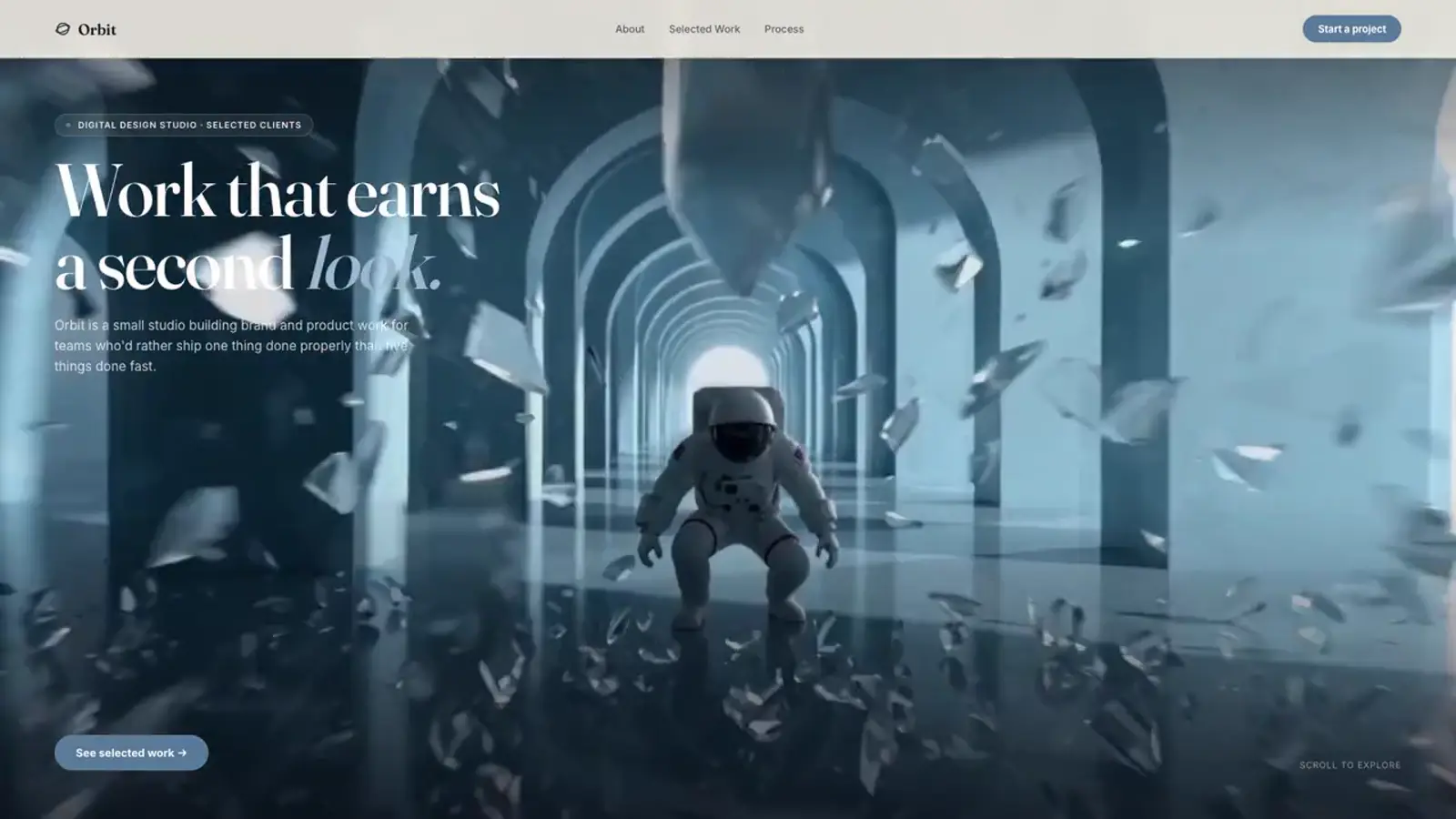
- Cinematic hero film: a rendered scene scrubbed by scroll, as in VORTA or Orbit.
Which approach should you choose?
| Need | Best fit |
|---|---|
| Interaction (rotate, configure) | Three.js / React Three Fiber |
| No-code speed | Spline embed |
| Cinematic look, any device | Pre-rendered frames |
| Subtle depth | CSS 3D or parallax |
Performance rules for 3D
- Pause rendering when the canvas is offscreen.
- Cap device pixel ratio and polygon counts for phones.
- Compress textures and models (Draco, KTX2).
- Use a static poster until the scene is ready.
Read the complete 3D website design guide and Core Web Vitals for animated websites. Then explore the ScrollHaus library for cinematic, scroll-driven examples you can inspect.
Explore animated website templates at Scrollhaus →
Need help with a template, account, or project? Email admin@scrollhaus.ai.