AI Website Guides · 2026-10-02 · 14 min read
Sites Like MotionSites AI: Better Ways to Build Motion
Compare sites like MotionSites AI by workflow, code access, publishing needs, licensing, performance, and accessibility before you choose a tool.
Written and reviewed by Scrollhaus Editorial. Sources and methodology are documented in the article.

Key takeaways
Disclosure: ScrollHaus publishes this guide. ScrollHaus is a library of animated website templates with live previews and editable source, so it is one of the options in this space. Information about other products is based on their public websites and can change, so check the current details before you decide.
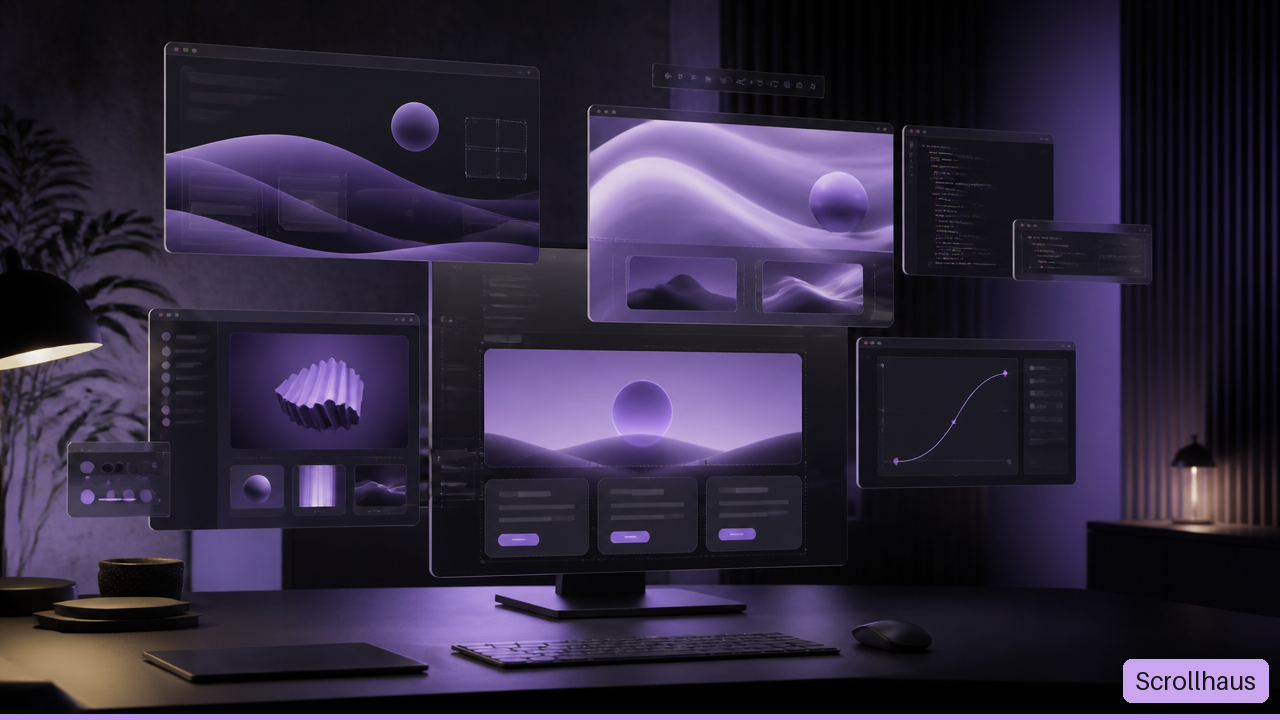
Sites like MotionSites AI are not all solving the same problem. Some provide copyable animated components. Some turn a written brief into a complete site. Others help plan page structure or add animation after a WordPress site already exists. I would choose by the work that remains after you open the tool, not by how similar the previews look.
A moving gradient, magnetic button, or 3D card can make a landing page feel alive. It can also create a slow mobile page, a hard to maintain codebase, or a licensing question that appears just before launch. The useful comparison is practical: What can you take with you, what must you build, and who will maintain it?
Table Of Contents
• Key Takeaways • Choose The Right Type Of Alternative • Compare The Leading Options By Workflow • Test Motion Before It Becomes A Problem • Frequently Asked Questions
Key Takeaways
• Use component libraries when you can work with code. Magic UI, React Bits, Aceternity UI, and 21st.dev are best understood as building-block sources, not instant publishing systems.
• Use an AI website builder when the goal is a finished first draft. A builder such as Lovable can generate page structure and interface code from a description, but it still needs design review, content refinement, and testing.
• Use motion tools when the site already exists. Motion.page is closer to an animation and publishing workflow than a source-code component library.
• Treat visual similarity as a starting clue, not proof of feature parity. Two products can both show animated landing pages while requiring completely different skills and producing different deliverables.
• Check rights before copying anything into commercial work. The important questions are commercial use, attribution, redistribution, third-party assets, and whether generated output is yours to reuse.
• Do not judge motion on desktop alone. Test reduced-motion preferences, keyboard behavior, touch interaction, page weight, and low-end mobile performance before calling a page launch-ready.
A useful rule: inspiration shows you what to make; source code helps you make it; a builder helps you assemble it; an animation platform helps you publish or enhance it. Those are related jobs, not interchangeable products.
Choose The Right Type Of Alternative
Start With The Deliverable, Not The Gallery
Motion-focused libraries are appealing because they shorten the distance between an idea and a visible result. But the shortcut differs by category. A prompt library may give you instructions and visual direction. A component library may give you actual React, Tailwind, TypeScript, and animation code. A full builder may generate a page shell and supporting logic. An animation tool may sit on top of an existing site.
I would begin with one direct question: Do you need a single striking section, a buildable landing page, or a published website? The answer rules out many false alternatives immediately.
| Tool Category | What You Usually Receive | Best For | Avoid It When |
|---|---|---|---|
| Prompt or inspiration library | Visual references, prompts, implementation direction | Teams that already have a coding workflow | You need production-ready source with little interpretation |
| Component library | Reusable UI code, often for React and Tailwind | Developers building a custom site section by section | Your stack is WordPress or you cannot edit code |
| AI website builder | A generated site or app draft from a written brief | Founders and small teams needing momentum | You need exact brand craft without revision time |
| Planning tool | Sitemap, wireframes, page hierarchy | Projects that are unclear before design starts | You only need one animated hero section |
| Animation platform | Visual animation controls and publishing integration | Existing websites that need movement | You need portable React component source |
This distinction matters because a copied component is not the same as a copied page. A component may arrive with utility classes, imports, and dependencies that assume a specific project setup. A generated page may look complete but still have placeholder text, weak information hierarchy, or inaccessible controls. Neither issue is a failure of the tool. It is simply the boundary of what it delivers.
Copy-Ready Source Versus Prompt-Only Direction
The phrase “ready to use” can hide a lot of work. I would classify an asset using four questions:
- Can you download or copy the actual source? A visual demo is useful, but it is not implementation material by itself.
- Can you identify the dependencies? Look for imports, animation packages, fonts, image sources, and configuration needs.
- Can you edit the content without breaking the effect? An animated card that only works with its original short title is less reusable than it appears.
- Can you move it into your target environment? React code may be quick in Cursor or Claude but impractical in a WordPress editor without redevelopment.
Consider a startup that needs a hero with rotating product screenshots. Prompt-only direction can help the team describe the effect to an AI coding tool. Copy-ready source can reduce the initial build time. Yet neither automatically solves image compression, responsive crop rules, content updates, or what happens when the animation library changes later. The visible effect is only one layer of the page.
Think In Terms Of Total Cost
A free component can still be expensive if it requires several hours of adaptation, a premium dependency, or ongoing fixes. A paid builder can be cheaper if it gets a simple marketing site published quickly and the team accepts its design boundaries.
I would include these costs in the decision:
• Engineering time to install, adapt, and debug code
• Design time to make borrowed sections feel like one coherent brand
• Hosting, domains, platform subscriptions, and premium assets
• Accessibility and performance work before release
• Maintenance when dependencies, browsers, or content requirements change
The headline price matters. The recovery cost matters more.
Compare The Leading Options By Workflow
For React And Tailwind: Magic UI, React Bits, Aceternity UI, And 21st.dev
For developers, the closest sites like MotionSites AI are generally component-oriented resources. They help when the project already uses a JavaScript framework and the goal is to add expressive interaction without building every effect from a blank file.
Stork.AI’s MotionSites alternative comparison describes Magic UI as free and open source with more than 150 animated components. That can make it a strong starting point for teams that need a broad component selection and are comfortable integrating code into an existing stack.
Stork.AI’s animated landing page prompt roundup likewise characterizes Magic UI as a free, open-source collection with over 150 animated components. The practical takeaway is not just the component count. A large library is valuable when its patterns are consistent enough that navigation, cards, forms, and callouts can share a visual language.
React Bits is a sensible choice when source visibility is the priority. It is commonly positioned as an open-source set of animated React components. Aceternity UI fits teams looking for Tailwind and Framer Motion-style patterns. 21st.dev is more prompt-oriented, which can suit an AI-assisted coding workflow where you want component context to shape a new implementation rather than drop in a fixed block.
| Option | Primary Workflow | Strong Fit | Main Watchout |
|---|---|---|---|
| Magic UI | Integrate animated components into a codebase | React and Tailwind projects needing variety | Verify project setup and motion dependencies |
| React Bits | Inspect and adapt individual React effects | Developers who want source-level control | Component styles may need careful brand integration |
| Aceternity UI | Build motion-heavy UI with Tailwind patterns | Marketing pages and product interfaces | Avoid adding effects just because they are available |
| 21st.dev | Use component ideas and prompts in an AI coding flow | Cursor or Claude-assisted implementation | Output still needs technical review and cleanup |
For Cursor or Claude, source code and a precise request work better together than a vague visual reference. I would provide the component, desired behavior, breakpoint rules, existing design tokens, and a request to preserve reduced-motion support. “Make this look premium” invites guesswork. “Keep the staggered reveal under 300 milliseconds, disable nonessential movement for reduced motion, and use existing spacing tokens” gives the coding tool constraints it can act on.
For Full-Site Generation: Lovable And Similar Builders
A full AI website builder belongs in a different column. It is useful when you need an initial site structure, not merely a hero animation. Lovable is commonly described as a builder that can generate websites or applications from natural-language descriptions.
Choose this route when the project needs a working starting point quickly: page sections, basic navigation, calls to action, and an editable foundation. Avoid assuming the first output is a finished design system. Generated pages often need a second pass for hierarchy, brand voice, content length, legal links, empty states, and mobile layout.
A useful scenario: a founder needs a five-page validation site this week. A builder may produce the skeleton faster than assembling five separate components. But if the project needs a custom editorial scroll experience with unusual transitions, a component-based workflow may provide more control. Faster generation is not always faster finishing.
For Planning Or Existing-Site Animation: Relume And Motion.page
Some tools sit before or after the code stage. Relume is more relevant when the real problem is structure: what pages exist, what each page should say, and how sections connect. That is upstream of motion design.
Motion.page is different again. Similarity listings may put it near MotionSites AI, but its described workflow is a WordPress animation plugin and standalone desktop application, not a typical React component source library. Pick it when the site is already being built or managed in that environment and you need animation controls close to publishing.
SourceForge’s MotionSites alternatives listing places both AI website builders and specialized animation products, including Relume and Malloy AI Motion Designer, in the broader alternative set. That variety confirms the key point: the closest option depends on whether your bottleneck is planning, creating motion graphics, coding UI, or publishing a site.
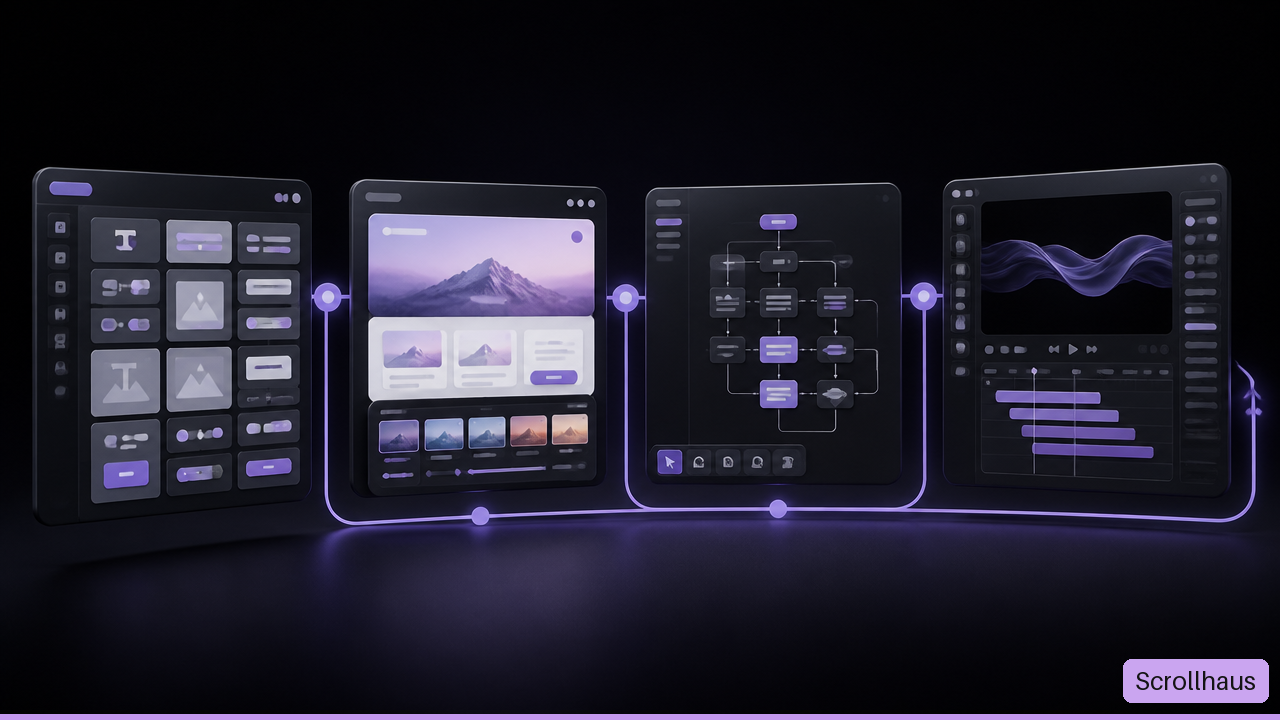
Test Motion Before It Becomes A Problem
Run A Small, Repeatable Evaluation
There is no reliable independent benchmark showing that one of these tools always produces better code, faster pages, or more accessible animation. I would not accept broad quality claims without a shared test.
Instead, use the same brief across two or three options. For example: create a responsive SaaS landing page with a hero, pricing section, testimonial carousel, form, and one subtle scroll effect. Then score each output using the same criteria.
| Test Area | What To Check | Failure Signal |
|---|---|---|
| Visual quality | Clear hierarchy, readable type, consistent spacing | Effects compete with the main message |
| Responsiveness | Layout at narrow, medium, and wide widths | Clipped text, overflow, tiny touch targets |
| Code quality | Clear structure, reusable values, explainable dependencies | One large component with unexplained magic numbers |
| Motion behavior | Purposeful timing and stable interaction | Jank, looping distractions, or motion with no meaning |
| Accessibility | Keyboard access and reduced-motion behavior | Hover-only controls or no way to limit animation |
| Implementation effort | Time needed to customize and deploy | More setup than the project can support |
This does not need a large formal study. It needs consistency. Record what you had to install, what broke at mobile widths, and which parts a future teammate could understand. A flashy demo can win the first minute and lose the next three months.
Build Accessibility Into The Motion System
Motion should explain, confirm, or guide. It should not make basic interaction harder. A card can lift slightly to show focus. A form error can fade in near the field. A page transition can establish hierarchy. Those are functional uses.
Fair warning: scroll-linked effects and parallax can become disorienting, especially when they continue after a user has expressed a reduced-motion preference. Build a simpler state for that preference. Keep content available without waiting for animations. Make keyboard focus visible even when visual styling is heavily customized. On touch screens, do not hide essential actions behind hover behavior.
For performance, limit the number of simultaneous moving layers, avoid needlessly large video files, and test on a real phone when possible. The first screen matters most. If the hero animation delays the headline or call to action, it is working against the page.
Check Licensing And Maintenance Before Launch
Licensing is not a detail to leave for procurement. Listings and comparison pages do not consistently document commercial reuse, redistribution, attribution, or ownership of generated output. I would verify the current terms where the asset or tool is actually offered before deployment.
Use this short review:
- Confirm that commercial use covers your business or client project.
- Check whether attribution is required in the product, source, or documentation.
- Separate code rights from stock images, fonts, video, icons, and 3D assets.
- Confirm whether you may redistribute the source in a template, starter kit, or client handoff.
- Save the applicable terms and version details with the project records.
Maintenance deserves the same care. Pin dependencies where appropriate, document component inputs, and keep animation settings close to the component rather than scattering values across files. If an AI builder produced the page, ask it to explain the structure and identify dependencies before the project changes hands. A handoff is much safer when the next person can answer one question: What makes this section move, and what breaks if I remove it?
Frequently Asked Questions
What Is The Closest Alternative To MotionSites AI?
For a developer who wants animated, reusable interface pieces, Magic UI, React Bits, Aceternity UI, and 21st.dev are the closest category match. For someone who wants an entire generated site, Lovable is closer to the real need even though its workflow is different. I would choose based on the deliverable, not a similarity ranking.
Which MotionSites AI Alternatives Are Free?
Free and open-source options are commonly associated with Magic UI, React Bits, and Aceternity UI, but availability and terms can change. Free access does not automatically mean zero cost: adaptation time, hosting, assets, and maintenance still count.
Are Magic UI And React Bits Better For Developers?
Usually, yes, if the developer needs inspectable source and wants to control how a component behaves inside a React project. They are less suitable for a nontechnical user who needs a finished, editable website without handling code, dependencies, or deployment.
What Is The Difference Between MotionSites AI And 21st.dev?
The distinction is workflow. MotionSites AI is generally discussed as a library of landing-page prompts and motion assets. 21st.dev is more component and prompt oriented for React and Tailwind work. One may help establish a creative direction; the other can be more useful when turning that direction into code with an AI coding assistant.
Can These Tools Generate A Complete Website?
Some can, but component libraries generally cannot generate a complete production site on their own. They supply pieces. AI builders can assemble a larger draft, while planning tools can shape the sitemap and wireframes. A complete website still needs content, brand decisions, responsive checks, legal details, analytics, and publishing setup.
Is Motion.page A Replacement For MotionSites AI?
Not exactly. Motion.page is better treated as an animation workflow for an existing site, particularly in WordPress-related publishing contexts. It is not the same as selecting copyable React components or using a prompt library for landing-page inspiration.
Can I Use Copied Components In Commercial Projects?
Possibly, but only after checking the current license for the specific component, source repository, assets, and fonts involved. I would also check whether client handoff or template redistribution creates a separate restriction. Do not rely on a directory summary for this decision.
Which Option Is Best For A Nontechnical User?
A full AI website builder is usually the most direct route because it reduces the amount of code integration required. Choose a component library only if someone can handle setup and fixes. For an existing WordPress site, an animation-focused plugin or desktop workflow may be more practical than rebuilding the site in React.
Sources/References
• stork.ai — https://www.stork.ai/alternatives/motionsites-ai
• stork.ai — https://www.stork.ai/free-animated-landing-page-prompts
• sourceforge.net — https://sourceforge.net/software/product/MotionSites/alternatives
Where ScrollHaus fits
ScrollHaus is one of the sites in this category. Each entry has a live scroll-driven preview and editable source, and a free selection lets you test the workflow first.
- Browse the ScrollHaus library of animated website templates
- Try the free templates on GitHub
- See ScrollHaus plans, including quarterly access
- MotionSites.ai alternative: animated website templates with editable source
- Best AI website template libraries compared
Explore animated website templates at Scrollhaus →
Need help with a template, account, or project? Email admin@scrollhaus.ai.